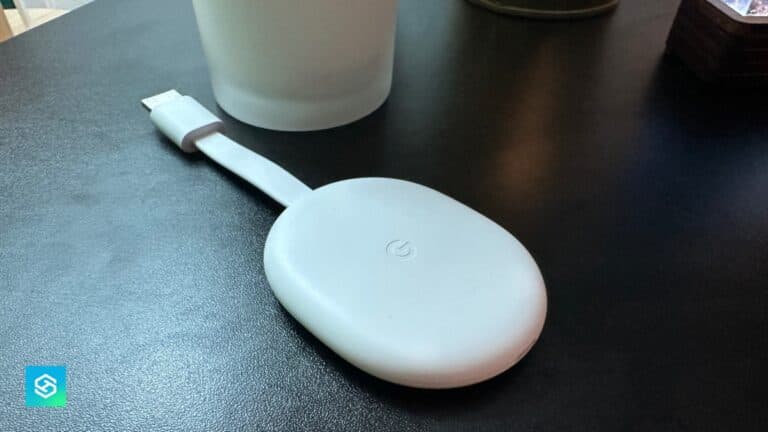
How to Restart or Factory Reset Your Google Chromecast

By Trae Jacobs,

When you buy through our links, we may earn an affiliate commission.
Your Google Chromecast is freezing or malfunctioning during use. You can resolve these performance issues by performing a restart or a full factory reset.
- To perform a quick restart, navigate to the Settings menu and select All settings at the top of the screen [0:09].
- Scroll down and select System, then choose the Restart option to power cycle the device [0:21].
- To perform a factory reset, go to Settings, select All settings, and open the System menu [1:00].
- Select the About section, then find and choose the Factory reset option to restore your device to its original state.
Ninja Tip: If your device remains unresponsive or won’t turn on, try unplugging the power cable directly from the back of the Chromecast for 60 seconds before plugging it back in to force a hardware power cycle.
For a complete reset, you can find the option by navigating to Settings > System > About > Factory reset.
Keep Reading