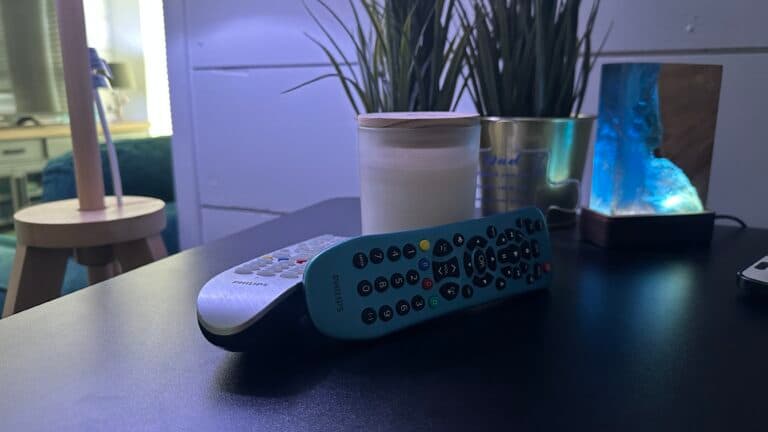
How to Reset Your Philips Universal Remote

By Trae Jacobs,

When you buy through our links, we may earn an affiliate commission.
Your Philips universal remote is unresponsive. You can follow these steps to reset the device to its original settings.
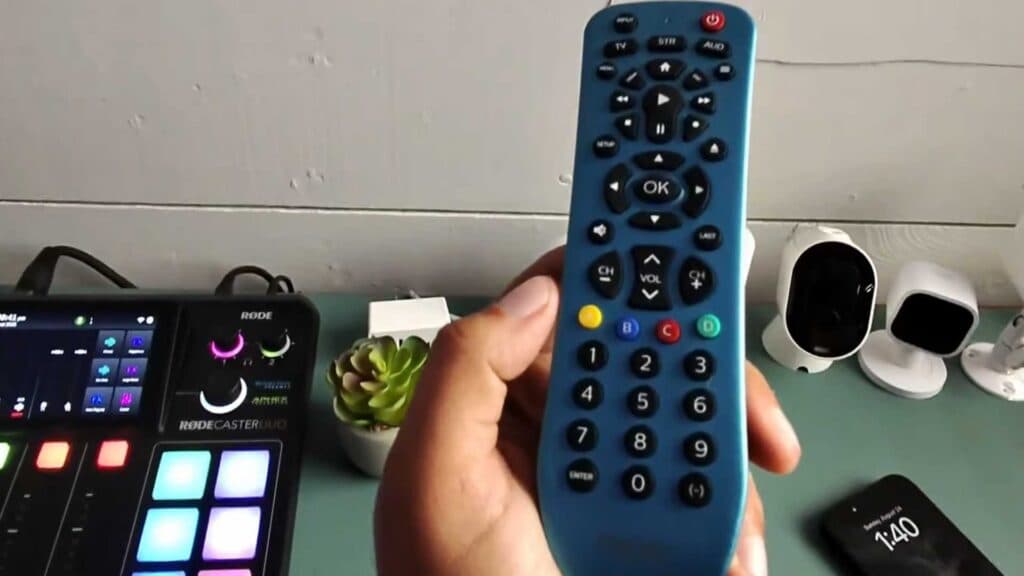
- Press and hold the Setup button on your remote until the indicator light turns on [0:13].
- Press the Mute button followed by the 0 button [0:21]. The indicator light will flash to confirm that the reset process is complete [0:25].
- If the remote is still not working, remove the batteries and press every button on the remote to clear any lingering electrical charge, then replace the batteries.
Ninja Tip: Check that your batteries are not leaking or corroded, as even new batteries can fail to make a proper connection if the battery compartment contacts are dirty. Clean any residue with a cotton swab dipped in a small amount of isopropyl alcohol.
If these steps do not resolve your issue, you will need to re-program the remote to your specific devices using the code list provided in your original product manual.
Keep Reading