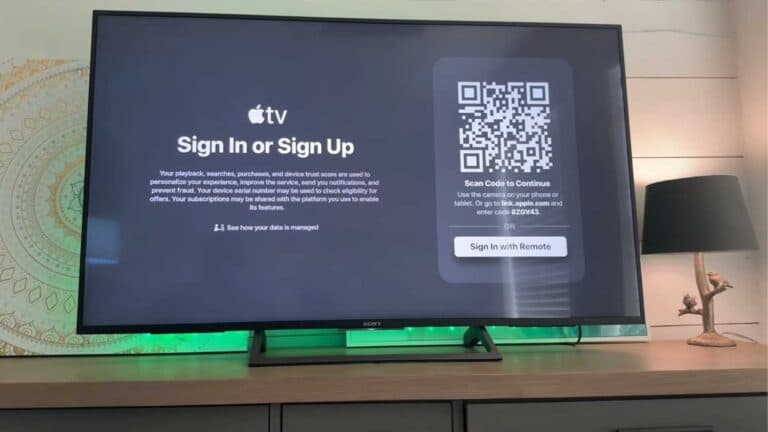
How to Reset an Apple TV 4K Remote

By Trae Jacobs,

When you buy through our links, we may earn an affiliate commission.
Your Apple TV remote is unresponsive and will not control your device. You can resolve this issue by performing a manual reset.
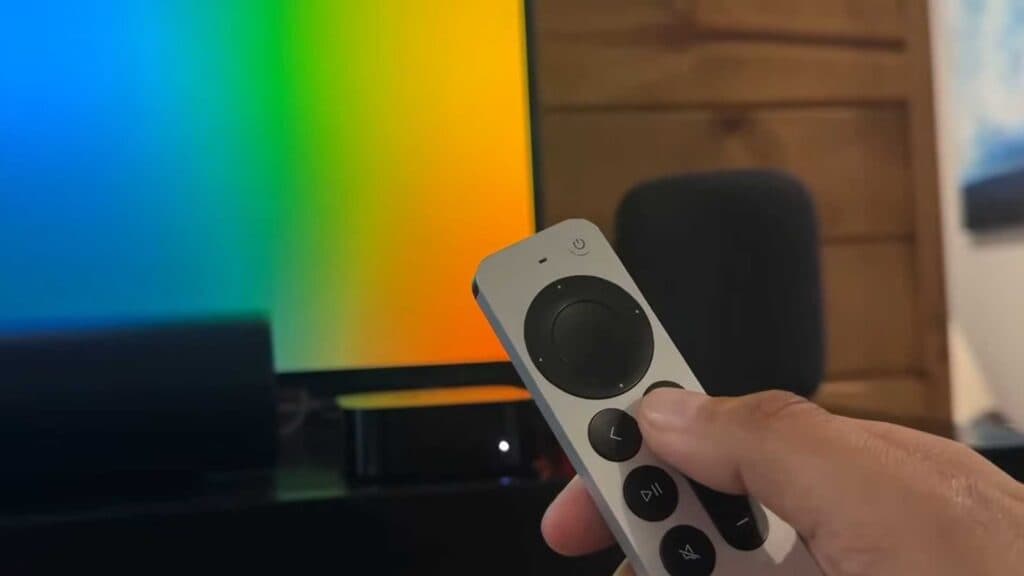
- Press and hold both the Home and Volume Down buttons at the same time [0:14].
- Continue to hold these buttons until the indicator light on the Apple TV box turns off and then back on [0:27].
- Wait for a notification to appear on your TV screen confirming that the remote is connected.
Ninja Tip: If the remote remains unresponsive, charge it for at least 30 minutes using a Lightning or USB-C cable before attempting the reset again.
If the remote still fails to connect, navigate to Settings > System > Reset to restore the Apple TV to its factory settings.
Keep Reading