How to Optimize and Speed Up Your Roku Device

By Trae Jacobs,
When you buy through our links, we may earn an affiliate commission.
Your Roku device runs slowly and streams content poorly. You can improve its performance with these simple maintenance steps.
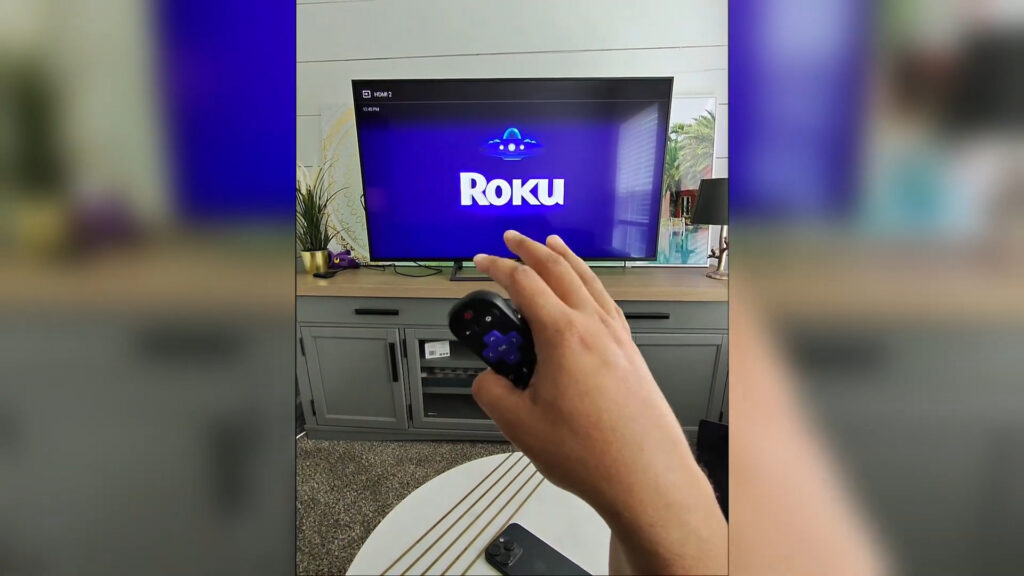
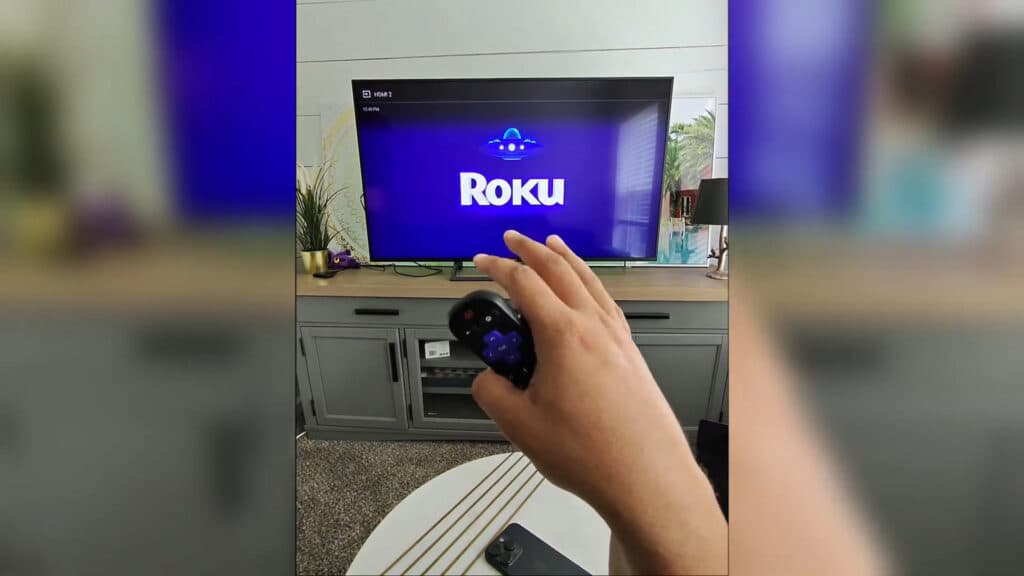
- Clear your Roku’s cache by pressing Home five times, then Up once, Rewind twice, and Fast Forward twice on your remote [0:28]. The device will restart automatically to complete the process.
- Audit your installed apps and remove any you no longer use by highlighting the app, pressing the star button on your remote, and selecting remove [1:42]. Keeping your total app count under 40 helps maintain faster system speeds.
- Organize your home screen by moving your most-used apps into the top six tiles to help the Roku load them faster[3:04]. You can move an app by pressing the star button and selecting the move option [3:27].
- Check for system software updates by navigating to Settings > System > System update [3:54].
- Restart your home network by unplugging your router for 60 seconds and plugging it back in.
Ninja Tip: Disable the “Auto-play previews” feature under Settings > Home screen > App previews to reduce background data usage and keep your home screen navigation snappy.
If you still experience issues, you can perform a factory reset via Settings > System > Advanced system settings > Factory reset.
Keep Reading

