How to Install New Apps on Your Fire TV

By Trae Jacobs,

When you buy through our links, we may earn an affiliate commission.
Your Fire TV does not have the apps you want installed yet. You can add them quickly by following these steps.
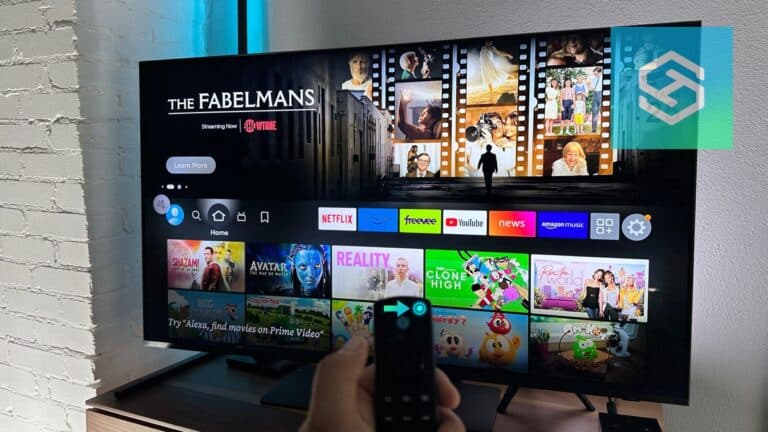
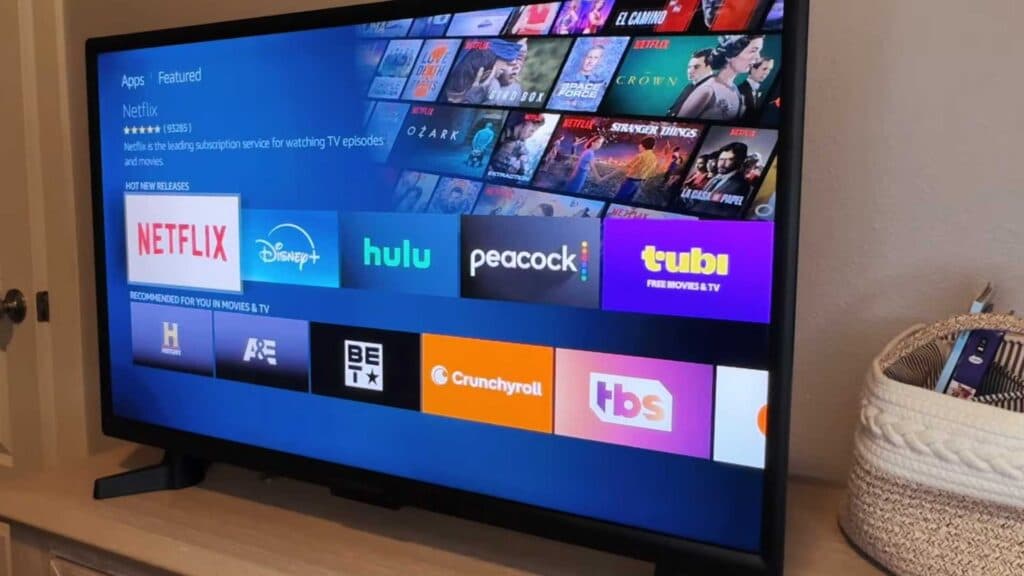
- From the home screen, navigate to the Apps folder to browse the available library [0:09].
- If you cannot find the app you want by browsing, go back to the home screen and select the Search icon [0:24].
- Type the name of the app you are looking for into the search bar using the on-screen keyboard [0:30].
- Select the app from the results, click the download button, and wait for it to finish installing [0:39].
- Once the download is complete, click Open to launch your new app, which will now appear in your recent items on the home screen.
Ninja Tip: If you are running out of storage space for new apps, go to Settings > Applications > Manage Installed Applications to clear the cache or uninstall apps you no longer use.
If these steps do not resolve your issue, you can perform a factory reset by navigating to Settings > Device & Software > Reset to Factory Defaults.
Keep Reading