How to Force Restart a Frozen Apple TV 4K

By Trae Jacobs,


When you buy through our links, we may earn an affiliate commission.
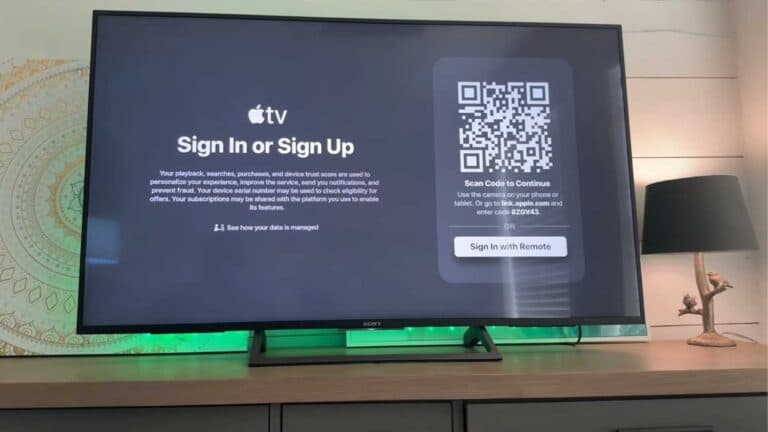
Your Apple TV 4K is frozen and will not respond to your remote commands. You can quickly fix this by performing a forced restart.
- Unplug the power cable from your Apple TV, wait 60 seconds, and plug it back in. [0:15]
- If the device remains unresponsive, press and hold the TV and Back buttons on your Siri Remote until the TV screen turns off and restarts. [0:36]
Ninja Tip: Check that your Siri Remote is charged by plugging it into a Lightning or USB-C cable for at least 30 minutes, as a dead remote can often mimic a frozen console.
If these steps do not resolve your issue, you can perform a factory reset by going to Settings > System > Reset.
Keep Reading