How to Fix YouTube Constantly Signing You Out on Smart TV

By Trae Jacobs,

When you buy through our links, we may earn an affiliate commission.
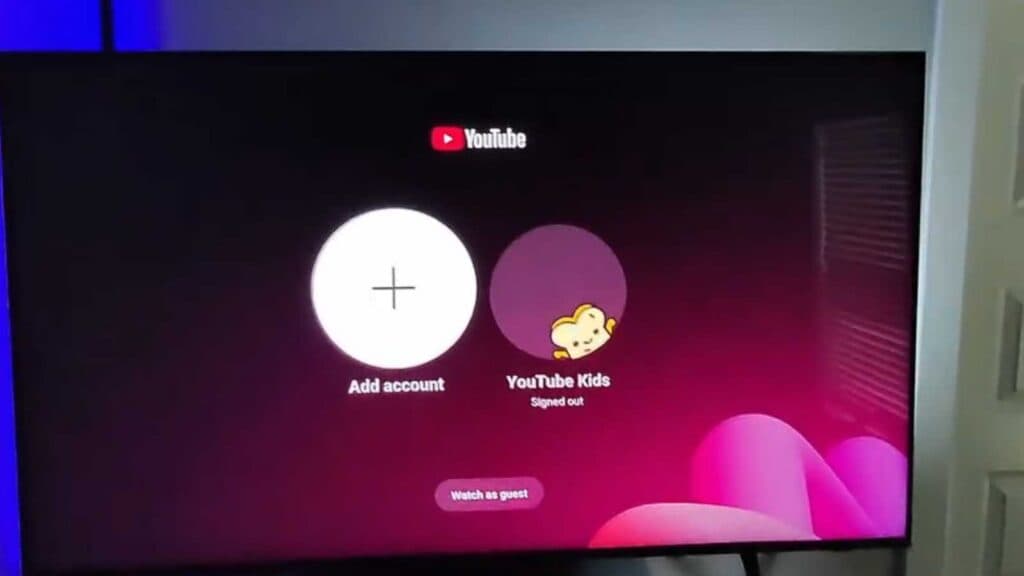
Your smart TV keeps signing you out of the YouTube app. You can fix this issue by adjusting your device settings.
- Set your TV’s clock to “Auto” to ensure your system time is accurate. [1:02]
- Clear the YouTube app cache in your TV settings to remove temporary data errors. [1:30]
- Restart your TV by holding down the power button until the screen shuts off. [1:44]
- Unplug your TV from the power outlet for two minutes to fully dissipate any remaining electricity.
Ninja Tip: Check that your TV’s firmware is running the latest version, as outdated system software often causes authentication conflicts with streaming apps.
If the problem persists, perform a full system reset under Settings > General > Reset.
Keep Reading