How to Find the True Dimensions of Your TV

By Trae Jacobs,

When you buy through our links, we may earn an affiliate commission.
Your TV size is measured by the diagonal, which means it does not tell you the actual width and height you need for your wall or media console. You can determine the exact horizontal and vertical measurements of your specific model with a few simple steps.
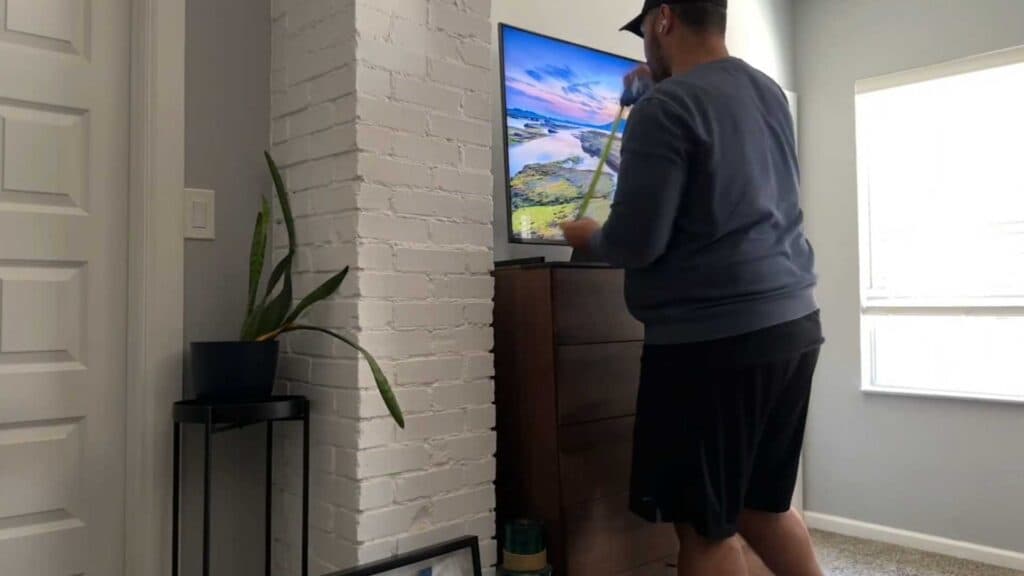
- Use a tape measure to get the actual width and height of your TV frame, since manufacturers only list the diagonal screen size [1:00].
- Account for the bezel size, as older TVs typically have wider borders than newer, thinner models [1:12].
- Add an extra inch to your diagonal estimate if you are working with an older TV to account for the physical frame [1:28].
Ninja Tip: Always measure the space on your wall or cabinet first, and include at least two inches of extra clearance on each side for better airflow and easier cable management.
If you still cannot fit your setup properly, you can perform a factory reset to clear old settings via Settings > Support > Self Diagnosis > Reset.
Keep Reading




