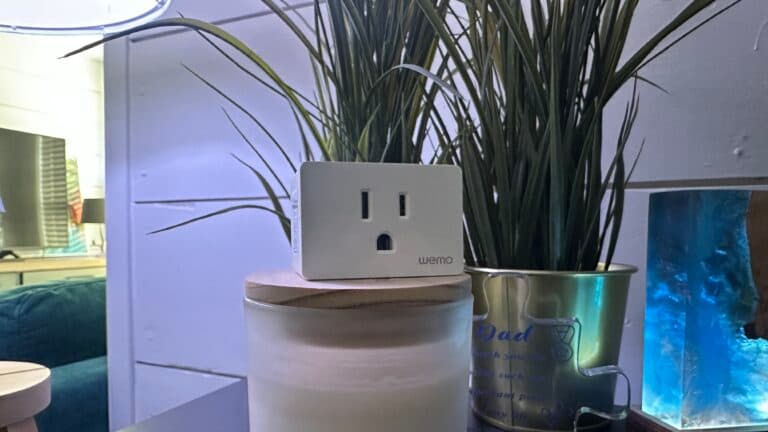
How to Factory Reset a Wemo Smart Plug

By Trae Jacobs,

When you buy through our links, we may earn an affiliate commission.
Your Wemo smart plug is unresponsive and will not connect to your network. You can fix this by performing a manual or app-based factory reset.
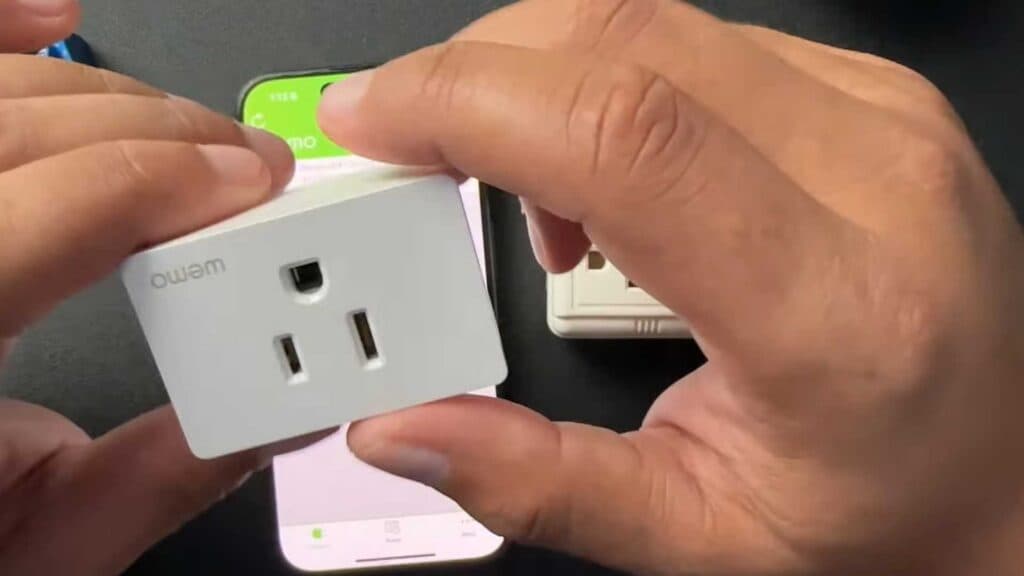
- Unplug your older Wemo WSP080 model, press and hold the power button, then plug it back into the outlet while continuing to hold the button until the light starts blinking [0:47].
- For newer WSP100 models, simply press and hold the power button for five seconds until the light flashes white and enters setup mode [1:13].
- To reset via the app, open the Wemo app, go to the devices tab, and select edit [1:47].
- Select your plug, tap on the reset options, and choose to factory restore the device.
Ninja Tip: Before performing a full reset, try simply unplugging the device for 30 seconds and plugging it back in to force a reconnection to your WiFi without losing your saved settings.
You can perform a full factory restore within the Wemo app by navigating to Devices > Edit > [Device Name] > Factory Restore.
Keep Reading