How to Customize Your Apple Watch Face

By Trae Jacobs,

When you buy through our links, we may earn an affiliate commission.
Your Apple Watch is currently stuck on a default face that doesn’t fit your style. You can change it or create a custom one using these steps.
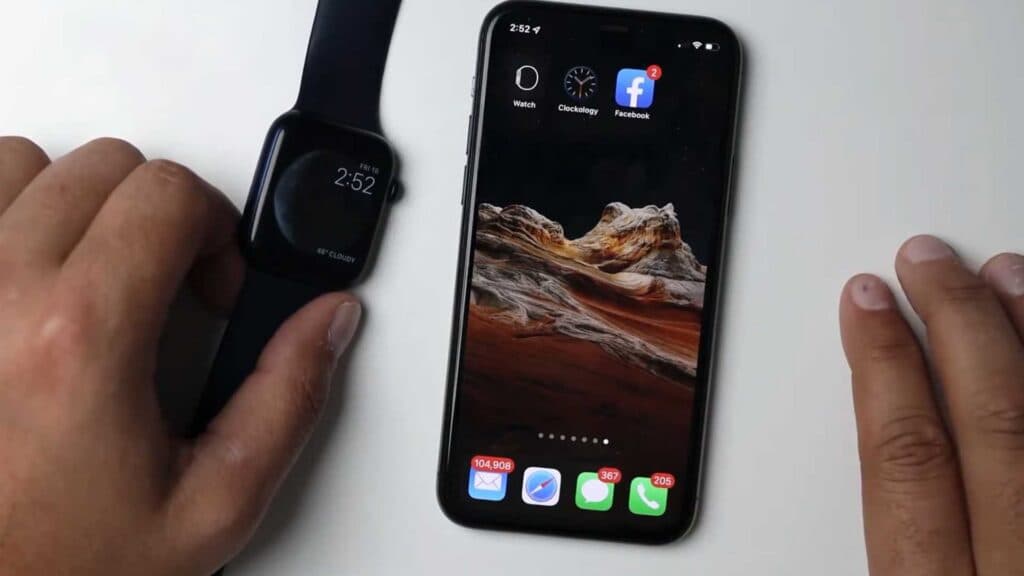
- Open the Watch app on your iPhone and select the faces section to browse the available options [0:18].
- Swipe across the face of your watch to quickly cycle through your current choices [0:28].
- Tap on a design to customize its colors, complications, and other features, then tap add to apply it [1:02].
- Download the Clockology app from the App Store to install unique, third-party watch faces [1:47].
- Open your new face in Clockology and tap the orange upload button to sync it to your watch [2:21].
- If the face doesn’t appear immediately, close and restart the app on your phone to force the sync [2:50].
- Join the Clockology community on Facebook to search for specific themes and download custom files from other users [3:08].
- Open your downloaded file from your phone’s downloads folder, which will automatically redirect you to Clockology so you can confirm the receipt and push the design to your watch.
Ninja Tip: Keep your phone close to your watch during the sync process to avoid connection errors, and ensure your Watch app is updated to the latest version.
For persistent issues, perform a factory reset by navigating to Settings > General > Reset > Erase All Content and Settings.
Keep Reading