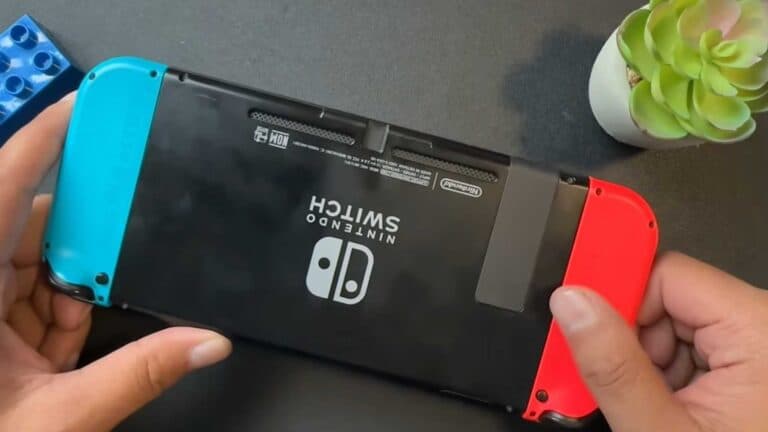
How to Connect Your Nintendo Switch to a TV

By Trae Jacobs,

When you buy through our links, we may earn an affiliate commission.
Your Nintendo Switch is not displaying on your television screen. You can fix this by using your dock to establish a connection.
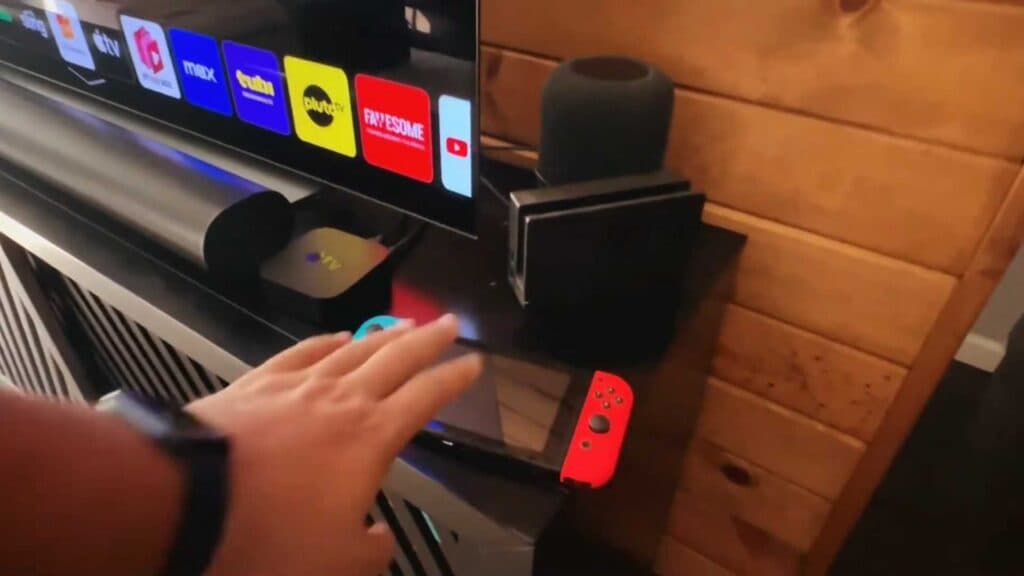
- Plug the power cord and HDMI cable into the back of your Nintendo Switch dock [0:18].
- Connect the other end of the HDMI cable to an open HDMI port on your TV [0:25].
- Place your Nintendo Switch console into the charging dock [0:33].
- Select the correct HDMI input on your TV using your remote.
- Use your Joy-Cons to control the display.
Ninja Tip: If your Switch isn’t showing up, ensure you are using the original Nintendo-branded power adapter, as third-party chargers often lack the necessary power output to trigger the TV-out mode.
If you still have trouble, check for updates under System Settings > System > System Update.
Keep Reading