How to Connect Your Chromecast to Wi-Fix

By Trae Jacobs,

When you buy through our links, we may earn an affiliate commission.
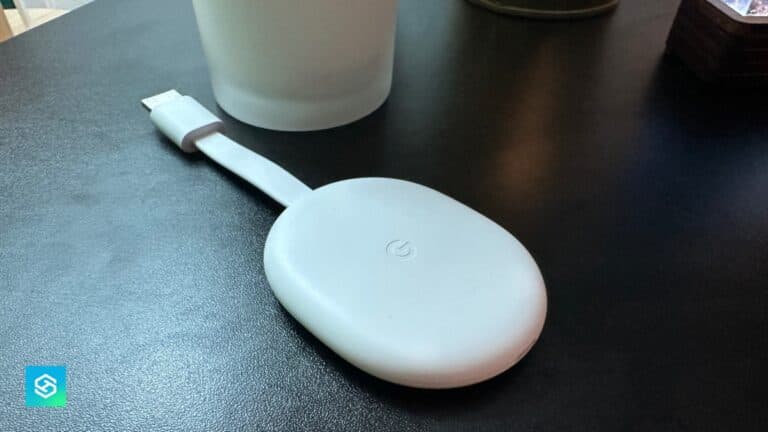
Your Chromecast is not connected to your wireless network. You can fix this connection by following these steps.
- Connect your Chromecast device to your TV and ensure it is powered on [0:07].
- Navigate to the homepage and scroll over to the settings gear icon [0:14].
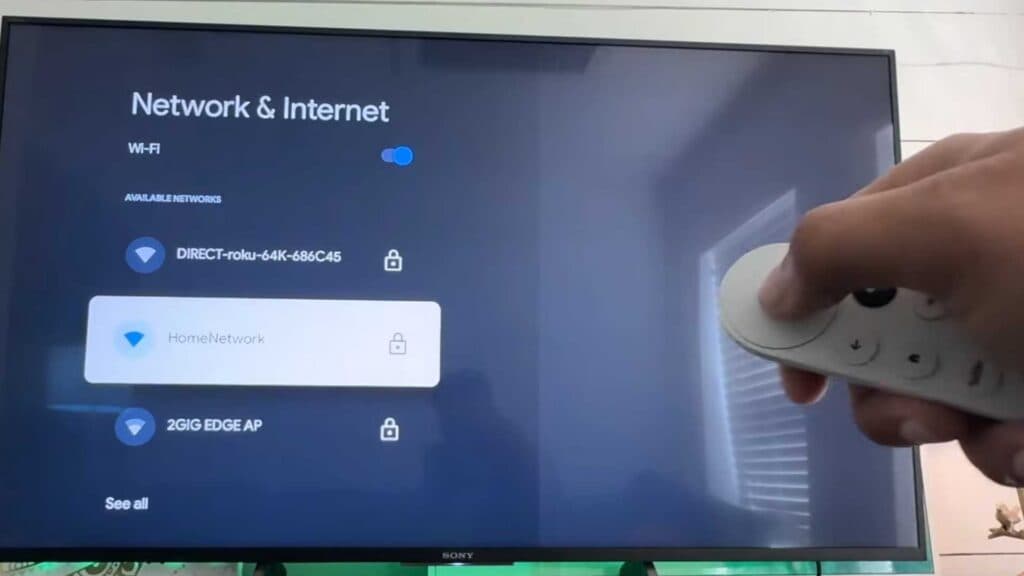
- Select the Wi-Fi option from the side menu to view available networks [0:25].
- Pick your network from the list, or choose to add a new one by entering the name manually if you do not see it [0:33].
- Input your password and wait for the device to connect successfully.
Ninja Tip: If your connection remains unstable, ensure your Chromecast is not blocked by a thick entertainment center or metal object that might be interfering with the signal.
If you continue to face issues, perform a factory reset by navigating to Settings > System > About > Factory reset.
Keep Reading