How to Connect Red, White, and Yellow RCA Cables to a Modern TV

By Trae Jacobs,

When you buy through our links, we may earn an affiliate commission.
Your smart TV lacks the traditional ports needed to plug in your older AV cables directly. You can bridge this gap easily by using a simple converter.
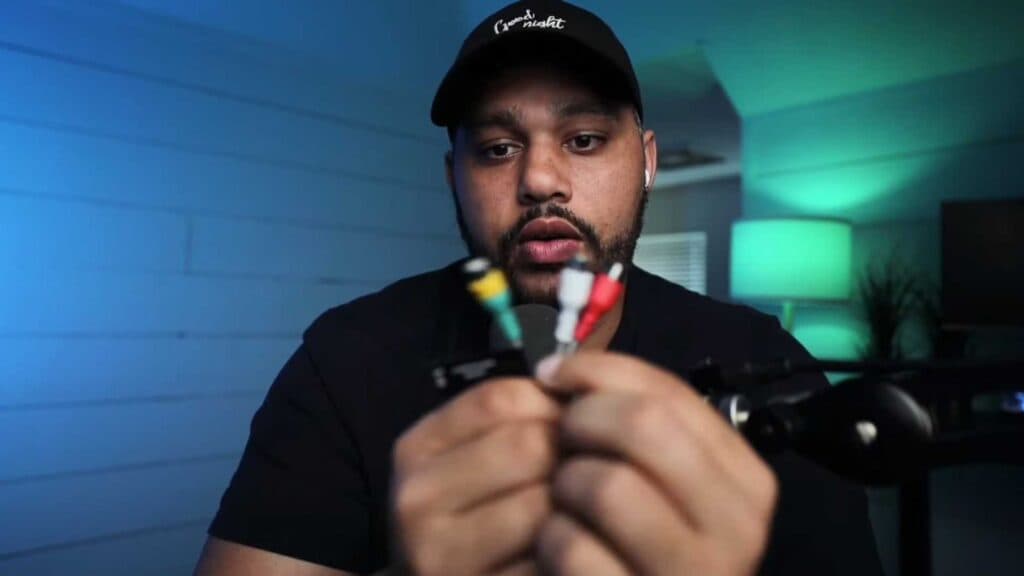
- Identify the audio and video connectors on your older device, which typically include red and white plugs for audio and a yellow plug for the video signal [0:37].
- Purchase an RCA-to-HDMI converter if your television does not have built-in composite inputs [0:53].
- Plug your RCA cables into the converter box, ensuring that you match every color correctly to its corresponding port [1:07].
- Connect the output of the converter to your TV using a standard HDMI cable to complete the setup.
Ninja Tip: Many converters require an external USB power source to function properly, so make sure you plug in the provided power cable to a wall adapter or your TV’s USB port. If you see the picture but hear no sound, double-check that your cables are pushed firmly into their respective jacks.
If the connection still fails, navigate to Settings > General > External Device Manager to ensure your TV is correctly recognizing the HDMI input source.
Keep Reading