How to Clear App Cache on Apple TV 4K

By Trae Jacobs,

When you buy through our links, we may earn an affiliate commission.
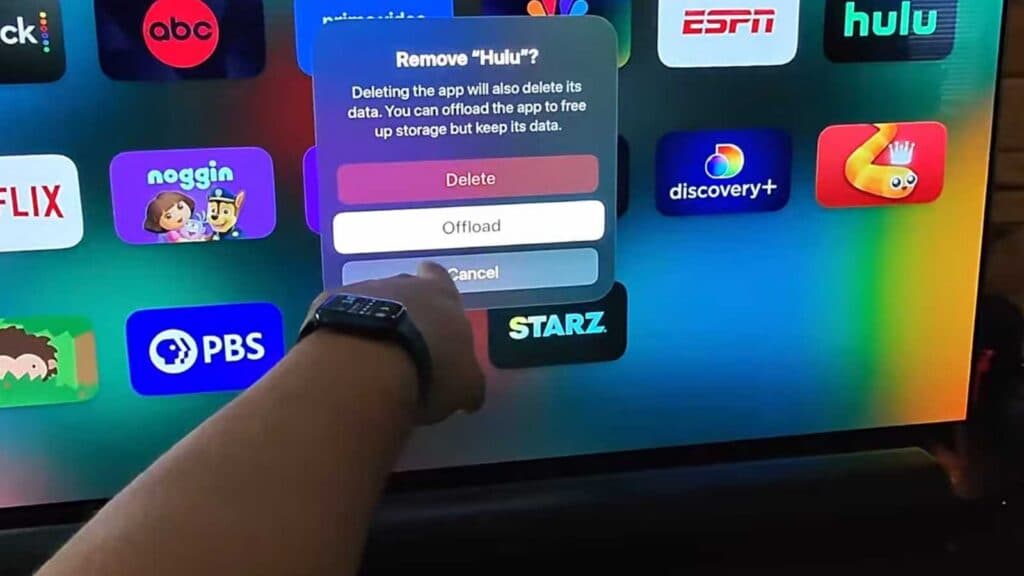
Your apps are running slowly on your Apple TV 4K. You can resolve this performance issue by removing and reinstalling the affected app to clear its stored data.
- Press and hold the app icon on your remote until it begins to shake, then select “Delete App” to remove it from your device [0:33].
- Navigate to the App Store, search for the application you just removed, and download it again to your Apple TV.
Ninja Tip: If your Apple TV is running slow globally and not just within one app, go to Settings > System > Restart to perform a quick power cycle that clears temporary system memory.
If the issue persists, you can perform a factory reset by navigating to Settings > System > Reset.
Keep Reading