How to Change the Name of Your LG Smart TV

By Trae Jacobs,

When you buy through our links, we may earn an affiliate commission.
Your LG TV currently shows up as a generic model name on your home network and mobile devices. You can customize this name so it is easy to identify when casting content or connecting via Bluetooth.
- Press the Settings cog button on your remote to open the main menu [0:15].
- Scroll down and select All Settings to view the full configuration menu [0:26].
- Select Connection and then find the TV Name option [0:42].
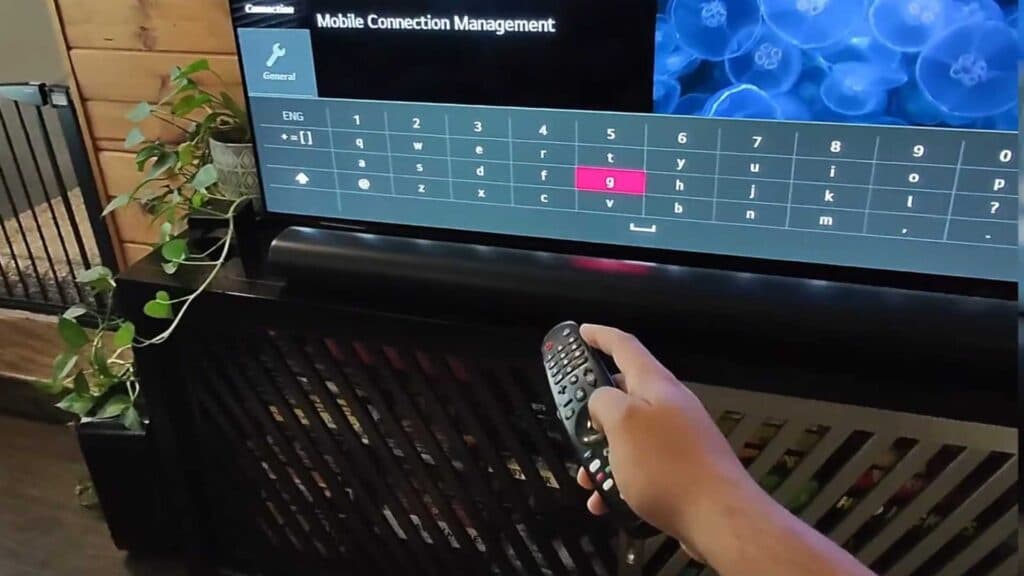
- Clear the existing name using the on-screen keyboard, type in your preferred new name, and hit Enter to save your changes [1:00].
Ninja Tip: If you want to identify which specific HDMI port a device is plugged into, open the Home Dashboard, select the options icon (three dots) above the input, and choose “Edit” to give that specific input a custom name like “Gaming Console” or “Blu-ray Player.”
If you need to return your TV to its original factory settings, you can find the reset option under Settings > Support > Reset to Initial Settings.
Keep Reading




