Can you replace your laptop with an iPad Pro?

By Trae Jacobs,

When you buy through our links, we may earn an affiliate commission.
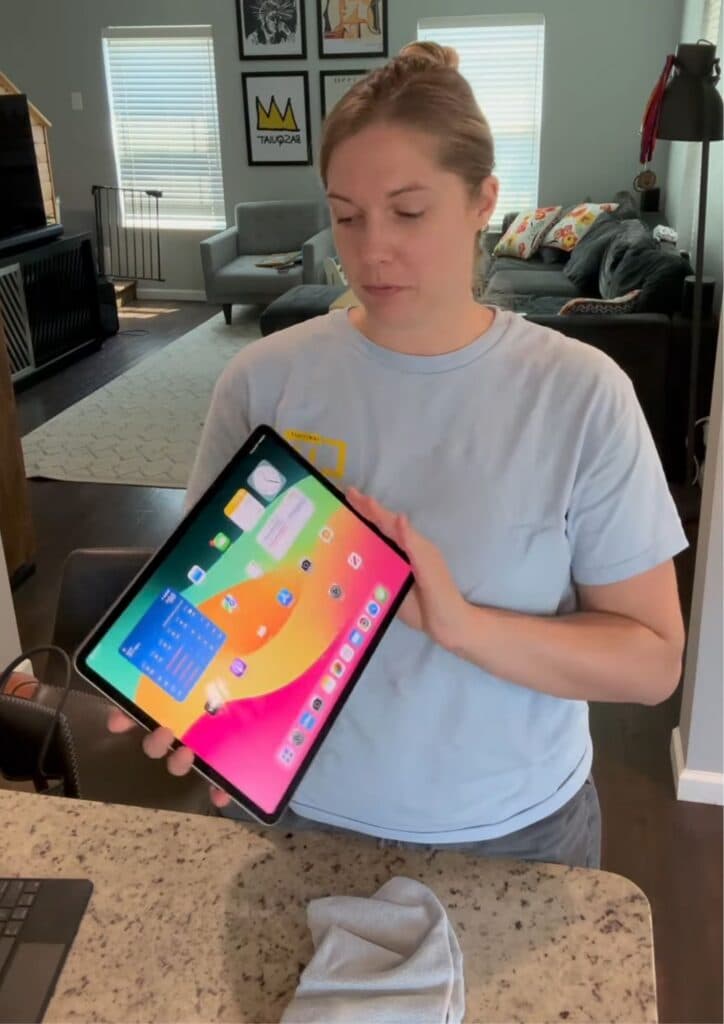
You need a portable device that handles your work tasks like a laptop. You can successfully transition to an iPad Pro for your daily needs.
- Pair your iPad Pro with a Magic Keyboard to improve your typing and productivity [0:16].
- Download essential productivity apps like Google Docs, Slides, Sheets, Microsoft Office, and Chrome to manage your documents [0:46].
- Sign in to your accounts within these apps to access your files seamlessly [1:00].
- Utilize the Google Drive app to store and upload your attachments to various platforms.
- Use the built-in camera for recording and video tasks whenever you require it.
Ninja Tip: Enable the Stage Manager feature in your Control Center to group and resize multiple windows, making multitasking feel more like a traditional desktop experience.
If you experience persistent software issues, perform a factory reset by navigating to Settings > General > Transfer or Reset iPad > Erase All Content and Settings.
Keep Reading