Title: How to Download Pinterest Videos to Your iPhone

By Trae Jacobs,

When you buy through our links, we may earn an affiliate commission.
Pinterest does not provide a direct way to save videos from its platform to your device. You can use a free online video downloader to save these files to your Photos app.
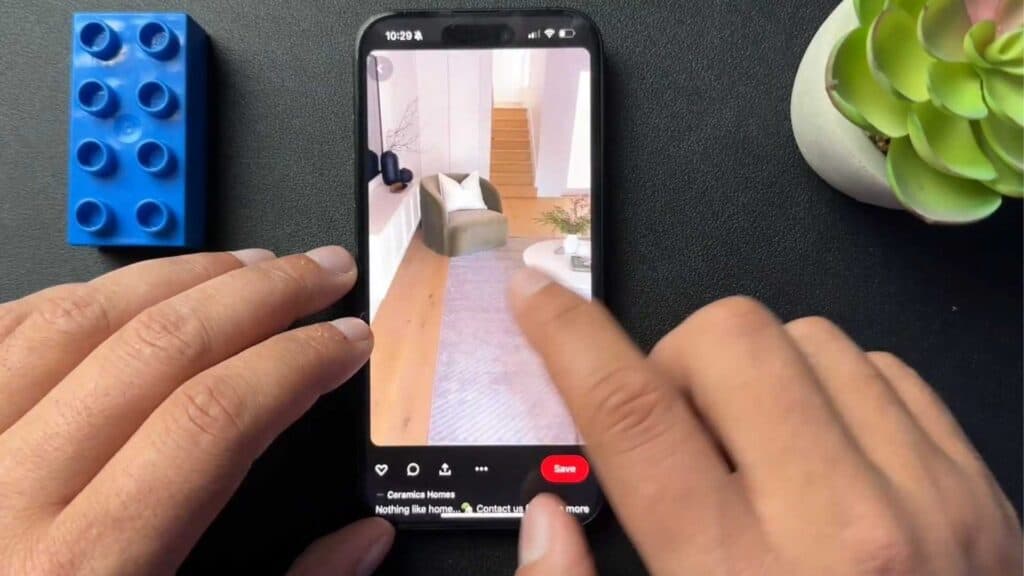
- Find the Pinterest video you want to save and copy the link. [0:19]
- Open your web browser and go to a site like savepin.app, then paste the link into the designated input box. [0:53]
- Click the download button, select the MP4 option, and confirm the download. [1:06]
- Open your iPhone’s Downloads folder to locate the saved video file. [1:22]
- Tap the share button on the video preview and select Save Video to add it directly to your Photos app.
Ninja Tip: If you frequently save content, use the ‘Shortcuts’ app on your iPhone to create a custom ‘Pinterest Downloader’ button that automates the link-pasting and file-saving process without visiting third-party websites.
If the downloader fails to load or remains unresponsive, clear your browser’s cache in Settings > Safari > Clear History and Website Data.
Keep Reading



