How to Watch the Spectrum App on an LG TV

By Trae Jacobs,

When you buy through our links, we may earn an affiliate commission.
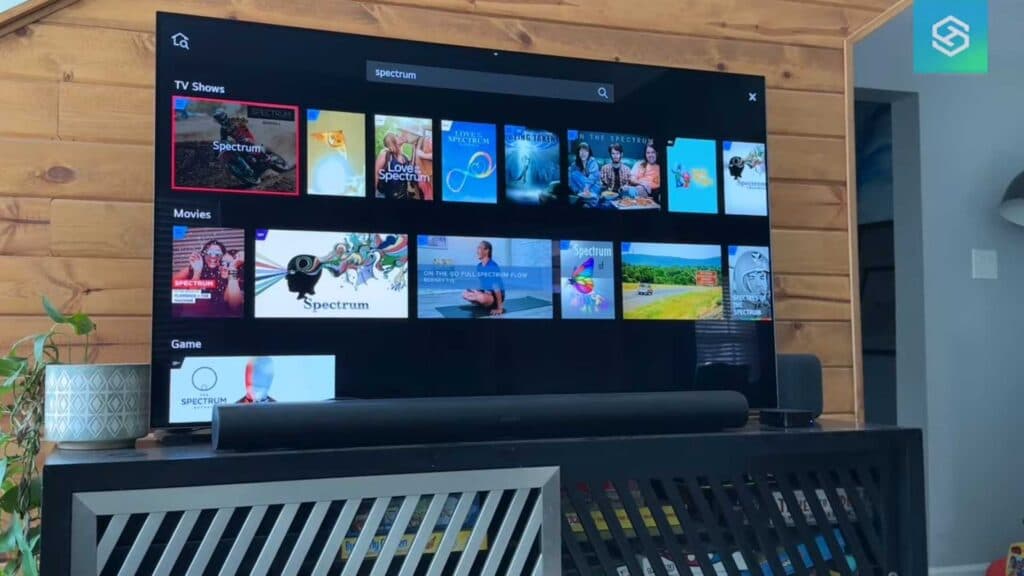
You currently cannot download the Spectrum TV app directly onto your LG smart TV. You can easily access all your channels by using an external streaming device instead.
- Open the app store on your Apple TV, Roku, Chromecast, or gaming console [0:49].
- Search for the Spectrum TV app using the search bar [0:55].
- Select the get button to download and install the app on your device [1:07].
- Launch the app and log in with your Spectrum credentials to start watching your programs.
Ninja Tip: If your TV supports AirPlay 2, you can stream the Spectrum app directly from your iPhone or iPad to your LG TV without needing an extra device. Simply tap the AirPlay icon inside the Spectrum app on your mobile device and select your LG TV from the list.
If you still experience issues with the interface or app connectivity, try performing a factory reset through Settings > General > System > Reset to Initial Settings.
Keep Reading


