How to Watch Streaming Services on Your Peloton Screen

By Trae Jacobs,

When you buy through our links, we may earn an affiliate commission.
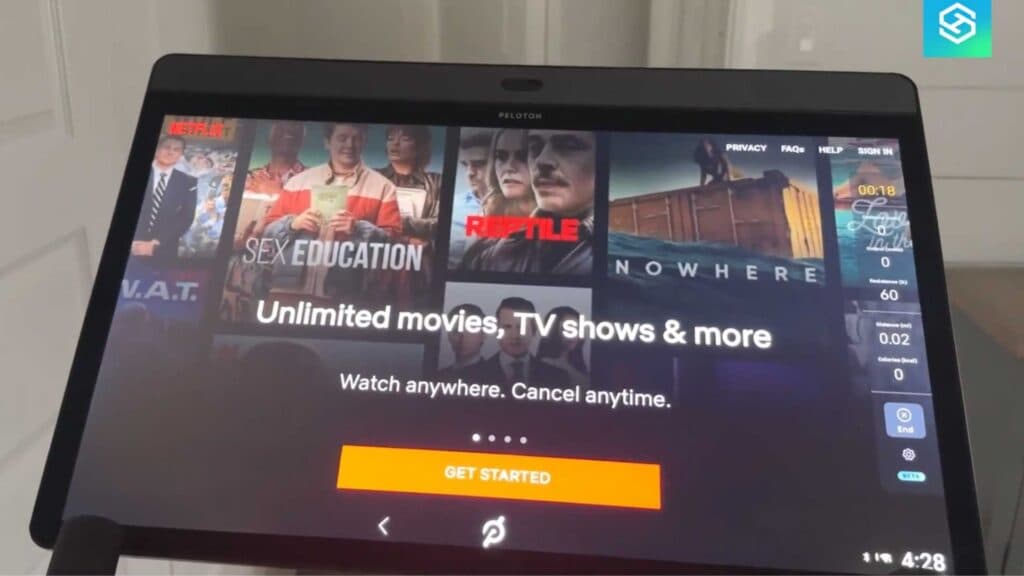
You want to watch shows and movies directly on your Peloton screen while you exercise. You can easily enable this feature by accessing the built-in entertainment options on your bike.
- Locate the Entertainment section at the bottom of your Peloton home screen [1:09].
- Select the streaming app you want to use, such as Netflix, Disney+, or YouTube TV [1:27].
- Confirm your selection and log in with your own streaming service credentials to get started [1:43].
- Tap start to begin your session, and your cadence, output, and distance metrics will remain visible while you watch your content.
Ninja Tip: If you do not see the Entertainment tab, try checking for a system update in your device settings to ensure your software is current. You can also manually manage your installed apps within the device settings menu if you need to troubleshoot missing icons.
If the apps still do not appear correctly, you may need to perform a factory reset by navigating to Settings > Device Settings > System > Reset options.
Keep Reading


