How to Watch Free Movies and TV Shows on Roku

By Trae Jacobs,

When you buy through our links, we may earn an affiliate commission.
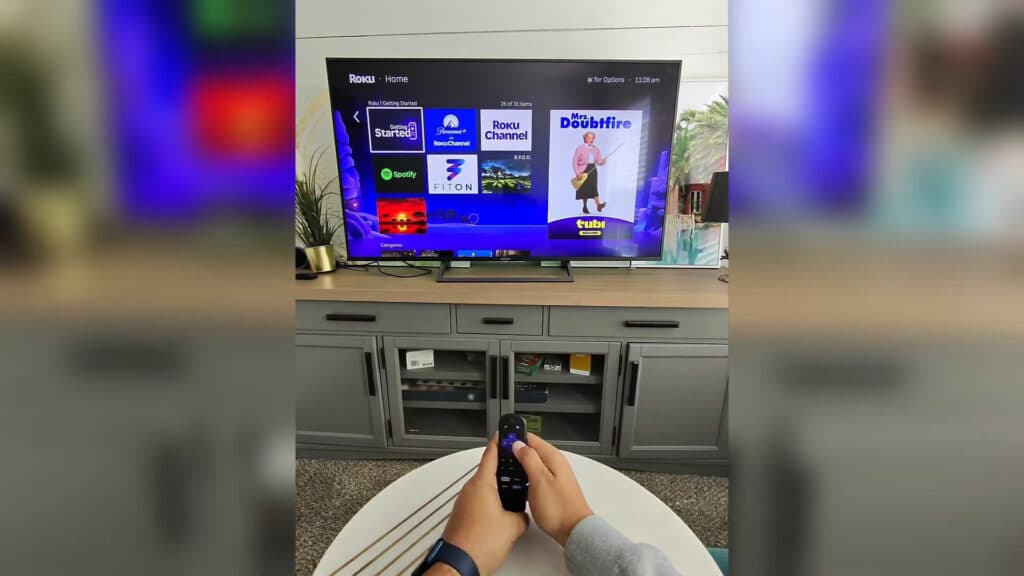
You are paying for monthly subscriptions you do not need. You can stream hundreds of movies, shows, and fitness classes on your Roku device for free.
- Install The Roku Channel to access a library of free movies and TV shows alongside their paid content [0:26]. Keep an eye out for the dollar sign icon, which indicates paid movies or content that requires a separate subscription trial.
- Add the Tubi app to your device for a wide selection of free movies and TV shows [1:25]. You will see ads during playback, but the entire library is free to watch.
- Install Pluto TV and set up an account to start streaming their live channels and on-demand movies [1:58]. Their service is supported by ads, so you never have to pay for a subscription.
- Download the FitOn app to access a variety of free fitness classes and health programs. You can choose from different workout types, like bodyweight or HIIT, to follow along with a guided coach at home.
Ninja Tip: You can often find additional free content by browsing the “Free” section directly in the Roku home screen menu, which aggregates ad-supported movies and shows from various apps in one place.
If these apps are not performing correctly, you can perform a factory reset by navigating to Settings > System > Advanced system settings > Factory reset.
Keep Reading



