How to Watch ADT Security Cameras on Your IQ Panel

By Trae Jacobs,

When you buy through our links, we may earn an affiliate commission.
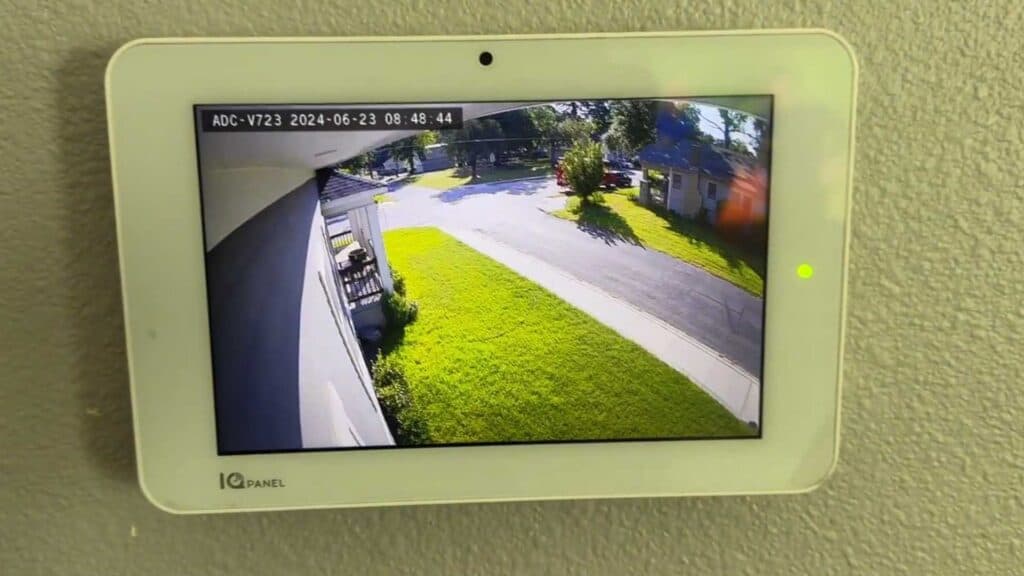
You are unable to view your live ADT camera feeds directly from your IQ panel screen. You can fix this by adjusting your settings within the alarm.com app.
- Open the alarm.com app on your phone and tap the video section to see your connected cameras [0:20].
- Tap the settings wheel icon at the top of the screen to open the configuration menu [0:37].
- Select the option labeled stream video to panel to manage which devices appear on your display [0:40].
- Tap to select all the cameras you want to be able to view from your home panel and save your changes.
Ninja Tip: If your cameras still do not appear on the panel after saving, check that your IQ Panel firmware is updated to the latest version, as older software can sometimes block new video streaming features.
If the issue persists, perform a system reboot by going to Settings > Advanced Settings > Reboot System.
Keep Reading



