How to View Your Google Nest Camera Feed on Google TV or Chromecast

By Trae Jacobs,

When you buy through our links, we may earn an affiliate commission.
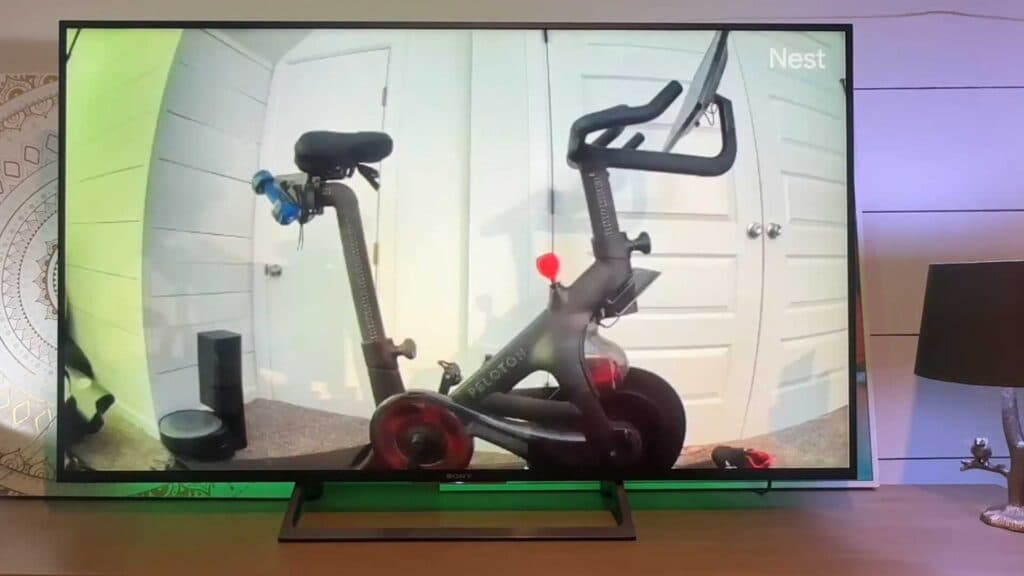
You are trying to watch your Google Nest or compatible smart camera feed on your TV but do not know how to connect them. You can display your live camera stream directly on your Google TV or Chromecast using these simple steps.
- Make sure your cameras are properly set up in the Google Home app and verify that both your camera and your TV are connected to the same Wi-Fi network. [0:15]
- Use the voice command “Hey Google, show me [camera name] camera” to pull up the live feed on your television. [0:40]
Ninja Tip: If the stream lags or appears buggy, try moving your router closer to the devices or clearing obstacles between them to improve your local network signal strength.
If the feed still fails to load, perform a factory reset by navigating to Settings > System > About > Factory reset.
Keep Reading



