How to View Your Blink Camera on a Fire TV Stick

By Trae Jacobs,

When you buy through our links, we may earn an affiliate commission.
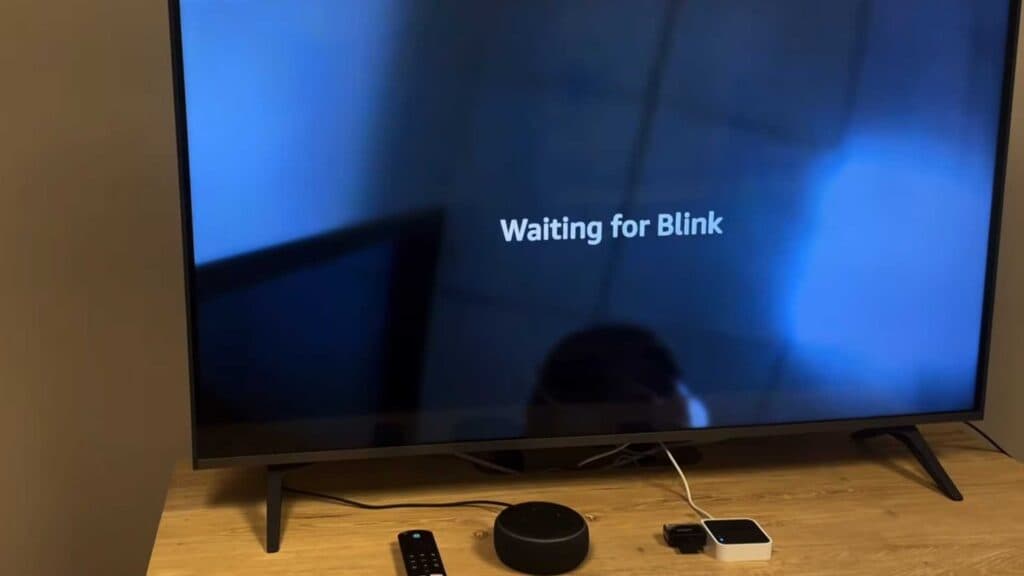
Your Blink camera feed does not appear on your smart TV. You can fix this connection issue by following these steps.
- Ensure you are using a Fire TV Stick or Fire TV Stick 4K to connect your Blink camera, as other devices like the Fire TV Cube may not support this skill [0:33].
- Open the Alexa app on your phone and enable the Blink Smart Home Skill to link your accounts [1:25].
- Use the specific voice command “Alexa, show me [camera name] on TV” to trigger the live feed [2:24].
Ninja Tip: Check that your Blink camera and Fire TV Stick are registered to the exact same Amazon account, or the voice commands will fail to recognize your devices.
If the camera still does not display, perform a factory reset by navigating to Settings > My Fire TV > Reset to Factory Defaults.
Keep Reading



