How to Unsubscribe From YouTube Channels

By Trae Jacobs,

When you buy through our links, we may earn an affiliate commission.
You have too many subscriptions and need to clean up your YouTube feed. You can remove unwanted channels by following these steps.
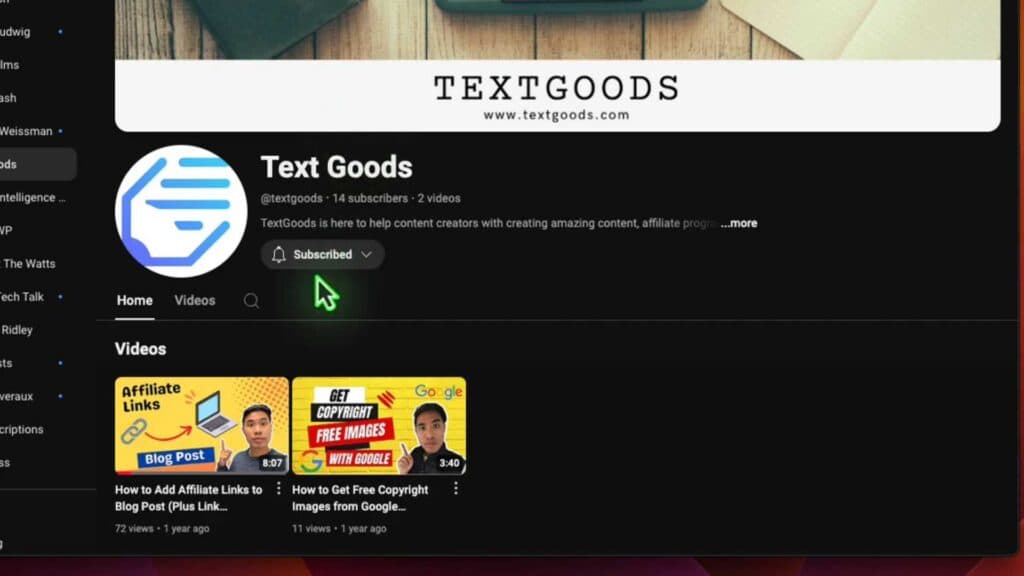
- Find the channel you want to remove from your subscription list and open it [0:12].
- Click the button next to the channel name that contains the drop-down menu [0:28].
- Select the unsubscribe option from the menu, then confirm your choice to finish [0:33].
Ninja Tip: To manage all your subscriptions at once without visiting individual channels, go to the “Manage” page in your YouTube Subscriptions tab to see a full list of every channel you follow.
If you still see content from channels you have removed, go to your Google account settings and clear your YouTube watch and search history.
Keep Reading




