How to Unlink or Remove a Device from Your Roku Account

By Trae Jacobs,
When you buy through our links, we may earn an affiliate commission.
An old or stolen Roku device still has access to your account subscriptions and payment methods. You can quickly disassociate that device from your account to prevent unauthorized access.
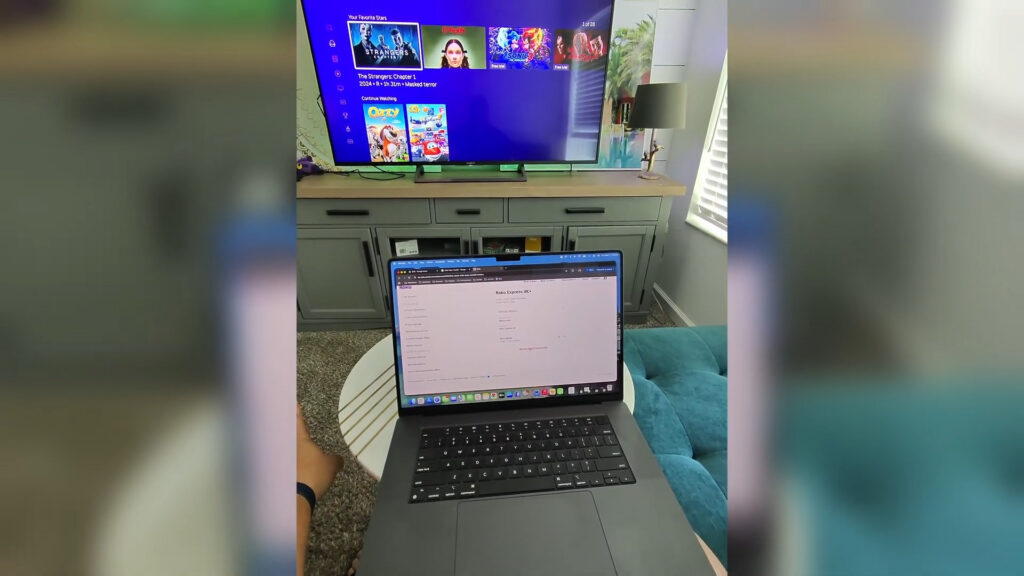
- Go to the official Roku account page at my.roku.com/account [0:32].
- Scroll down to the streaming devices section to locate the specific Roku unit you want to remove [0:43].
- Select the device and click the button to remove it from your account [0:48].
Ninja Tip: Before you sell or give away your Roku, always remove your account link first, then perform a factory reset to clear all of your personal data and installed apps from the hardware.
To perform a factory reset on your device, go to Settings > System > Advanced system settings > Factory reset.
Keep Reading



