How to unbox and set up your Roomba 694

By Trae Jacobs,

When you buy through our links, we may earn an affiliate commission.
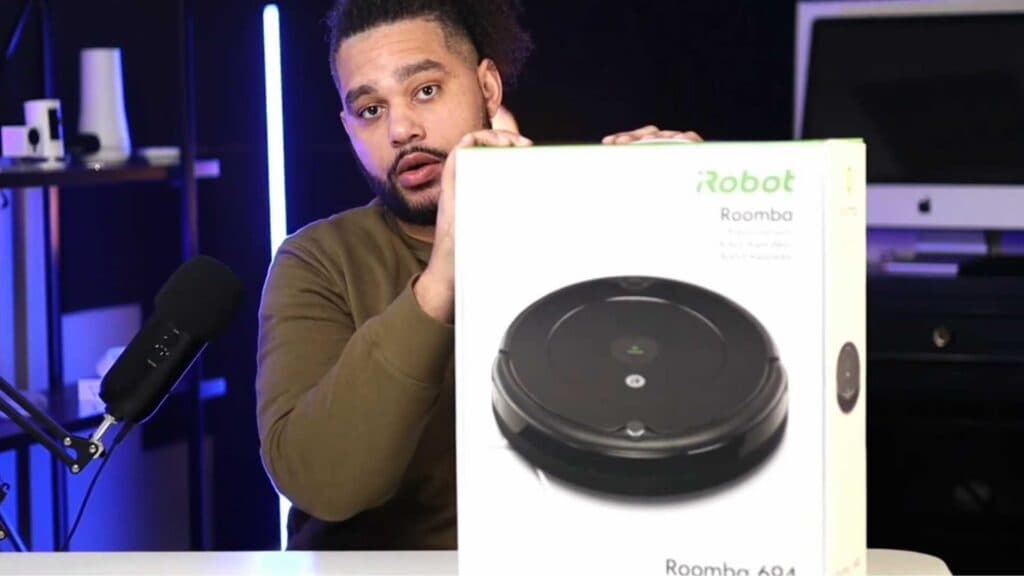
Your new Roomba 694 is still in the box and ready to be assembled. You can complete the setup by following these steps.
- Carefully open the shipping box to access the vacuum and its accessories [1:35].
- Identify the charging stand, the power cord, and the replacement filter included in the package [1:49].
- Connect the power cord to the charging stand to prepare it for power [2:16].
- Place your Roomba 694 onto the charging base to ensure the battery is ready for its first run.
Ninja Tip: Download the iRobot Home app to connect your vacuum to Wi-Fi, which enables you to schedule custom cleaning cycles and receive maintenance alerts directly on your phone.
For a total wipe, perform a factory reset through Settings > System > Advanced > Factory Reset.
Keep Reading


