How to Unblock a Phone Number or Email on iPhone

By Trae Jacobs,

When you buy through our links, we may earn an affiliate commission.
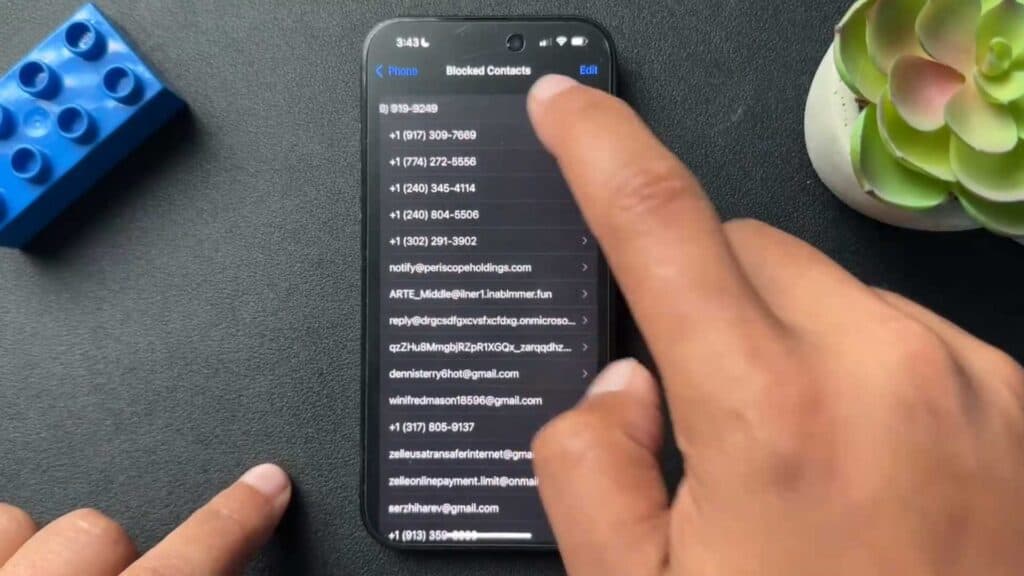
You have a contact currently blocked on your iPhone and need to unblock them. You can easily remove that person from your blocked list using your phone settings.
- Open the Settings app on your iPhone and scroll down to the Phone app [0:14].
- Tap on Blocked Contacts to see your full list of restricted numbers and email addresses [0:31].
- Swipe to the left on the specific contact you want to unblock and select the Unblock button [0:46].
Ninja Tip: If you want to block a caller who just contacted you, open your recent calls in the Phone app, tap the ‘i’ icon next to the number, and select the Block this Caller option.
If these steps do not resolve your issue, you can perform a network settings reset by navigating to Settings > General > Transfer or Reset iPhone > Reset > Reset Network Settings.
Keep Reading



