How to Turn Off Yellow Flashing Light Notifications on Alexa Echo Devices

By Trae Jacobs,

When you buy through our links, we may earn an affiliate commission.
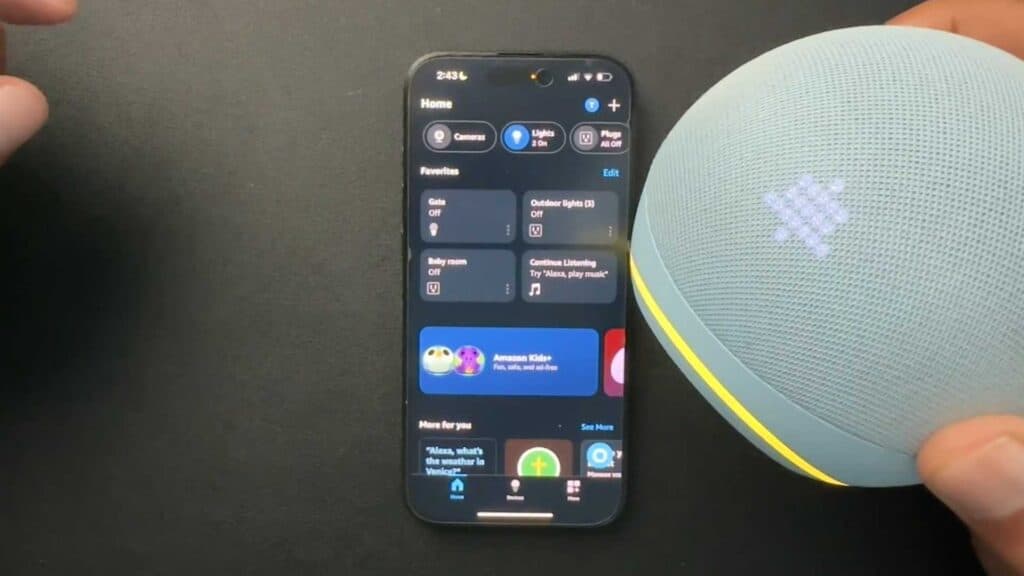
Your Alexa device has a yellow flashing light indicating you have pending notifications. You can disable these alerts in the Alexa app to keep your device quiet.
- Open the Alexa app on your phone and tap the More tab at the bottom right [0:17].
- Select Settings from the menu [0:27].
- Tap Notifications to see a list of all your alert settings [0:34].
- Go through each category, such as Amazon Shopping or Amazon Music, and toggle off the ones you do not want [0:46].
Ninja Tip: You can also say, “Alexa, clear my notifications” to instantly stop the flashing light without changing your permanent settings. This is a quick way to handle alerts while keeping your preferences active.
If these steps do not stop the light, perform a factory reset by navigating to Device Settings > Registered To > Deregister.
Keep Reading


