How to Turn Off Voice Directions in Google Maps

By Trae Jacobs,

When you buy through our links, we may earn an affiliate commission.
Google Maps speaks aloud to give you navigation instructions while you drive. You can turn off these voice directions to keep your commute quiet.
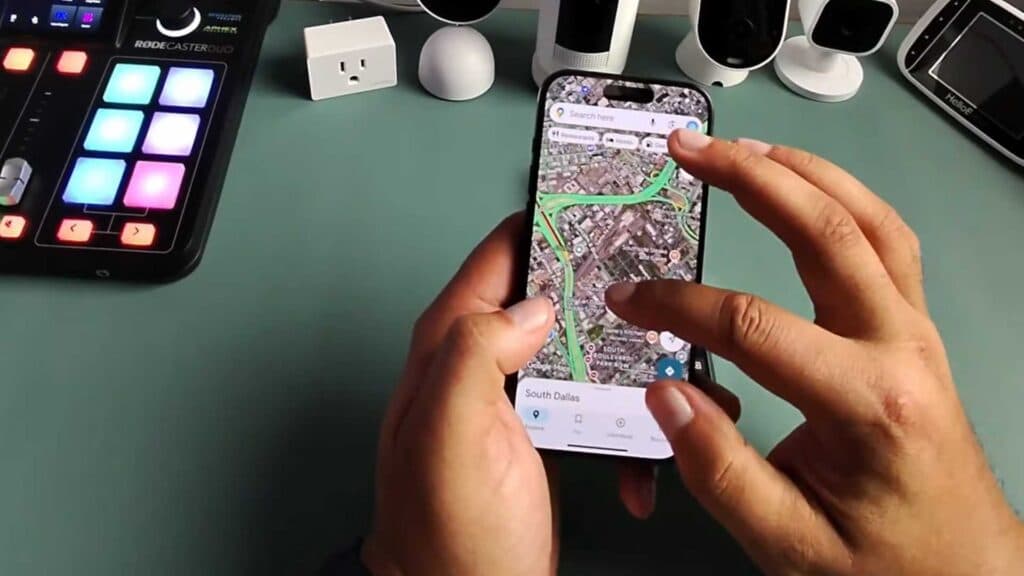
- Open the Google Maps app and start a navigation route to your destination [0:16].
- Locate the speaker icon on the navigation screen [0:31].
- Tap the speaker icon to toggle the voice guidance off.
Ninja Tip: You can also manage these settings by tapping your profile picture in the top right corner, selecting Settings, then choosing Navigation settings to adjust the volume levels or mute voice guidance entirely before you even start a trip.
If you continue to have audio issues, navigate to Settings > Apps > Google Maps > Storage and tap Clear Cache.
Keep Reading



