How to Turn Off Vanish Mode on Instagram

By Trae Jacobs,

When you buy through our links, we may earn an affiliate commission.
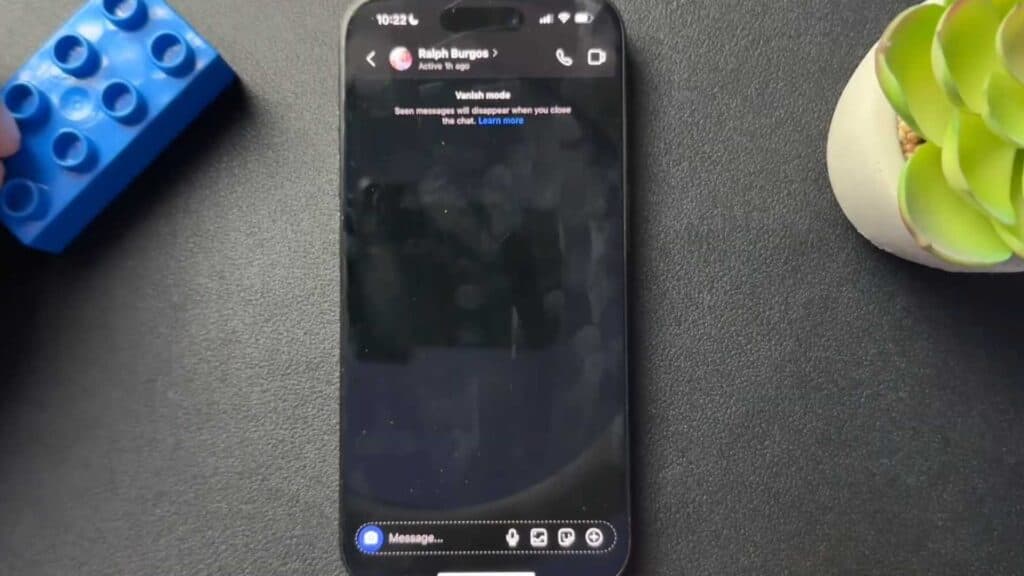
Your Instagram messages disappear immediately after you read them. You can disable this setting to return to your standard chat view.
- Open the specific chat where messages are disappearing and swipe up on the screen to toggle Vanish Mode off. [0:30]
- Alternatively, tap the username at the top of your chat, select “Privacy and safety,” and toggle off the Vanish Mode switch.
Ninja Tip: Vanish Mode only works in one-on-one conversations, so if you are in a group chat and can’t find these settings, it is because the feature is not supported there.
If the issue persists, try updating your Instagram app through the App Store or Google Play Store.
Keep Reading



