How to Turn Off the Blue Light on Your Blink Camera

By Trae Jacobs,

When you buy through our links, we may earn an affiliate commission.
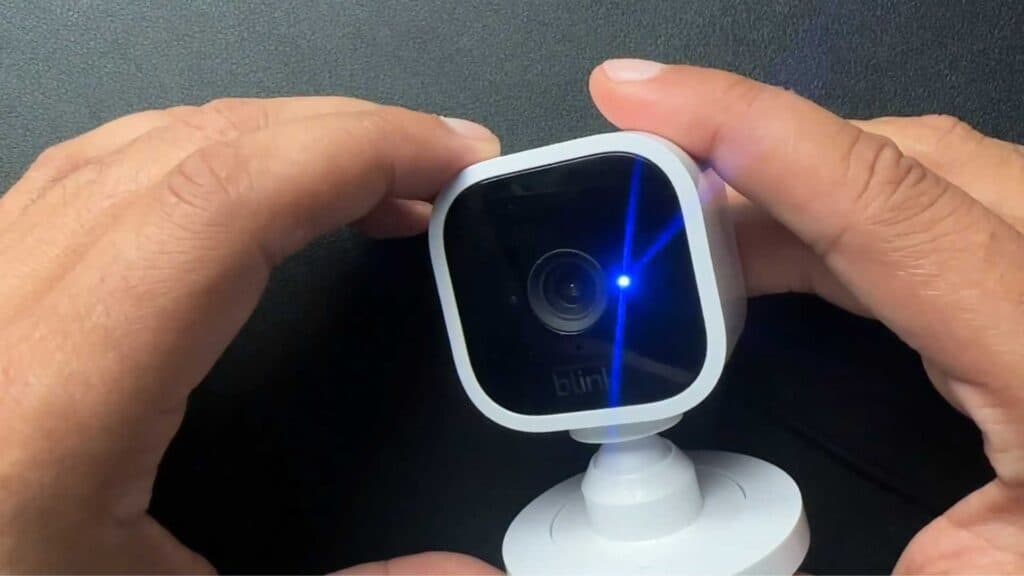
The blue light on your Blink camera turns on whenever you view the feed in the app. You can disable this indicator light by adjusting your device settings.
- Open the Blink app on your phone and select the camera you want to update [0:15].
- Tap the three dots in the corner and select Device Settings [0:19].
- Tap General Settings at the top of the menu [0:25].
- Find the Status LED option and set it to Always Off [0:30].
Ninja Tip: Keep in mind that disabling the Status LED means you won’t have a visual indicator that the camera is recording, so ensure you check your app notifications regularly to monitor activity.
If you continue to experience issues with your device, you can perform a factory reset by navigating to Device Settings > General Settings > Reset Device.
Keep Reading



