How to Turn Off Read Receipts on Instagram

By Trae Jacobs,

When you buy through our links, we may earn an affiliate commission.
People can see when you read their direct messages on Instagram. You can adjust your settings to hide this activity.
- Open your Instagram app and tap your profile icon in the bottom right corner [0:20].
- Tap the three vertical lines in the top right corner to open your settings [0:24].
- Scroll down to the section labeled How others can interact with you and select Messages and story replies [0:35].
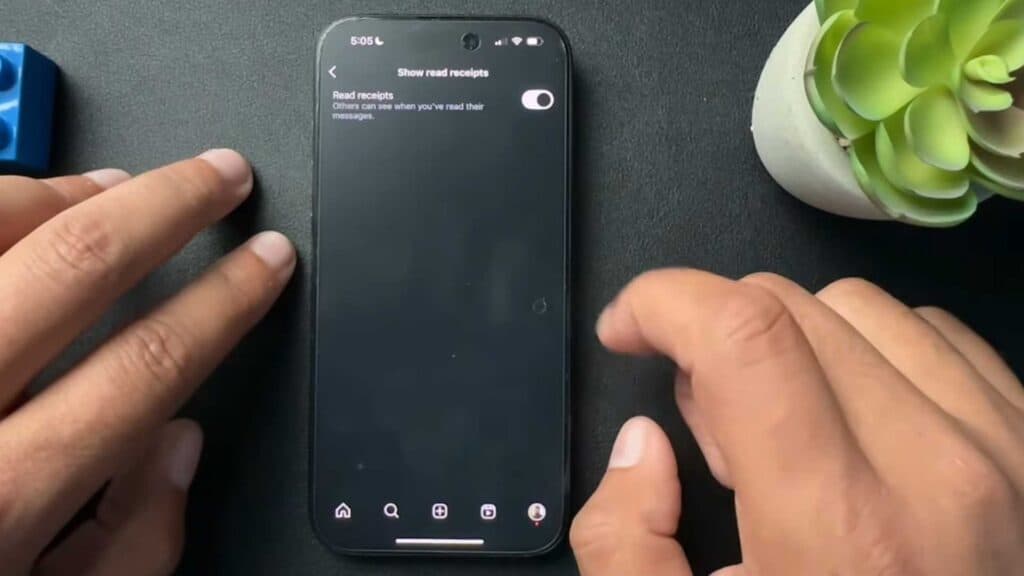
- Tap on Show read receipts and toggle the switch to the off position.
Ninja Tip: Disabling read receipts globally means you also won’t be able to see when others have read the messages you send them.
If you experience persistent glitches with your notifications, go to Settings > Help > Report a problem.
Keep Reading



