How to Turn Off Active Status on Facebook Messenger

By Trae Jacobs,

When you buy through our links, we may earn an affiliate commission.
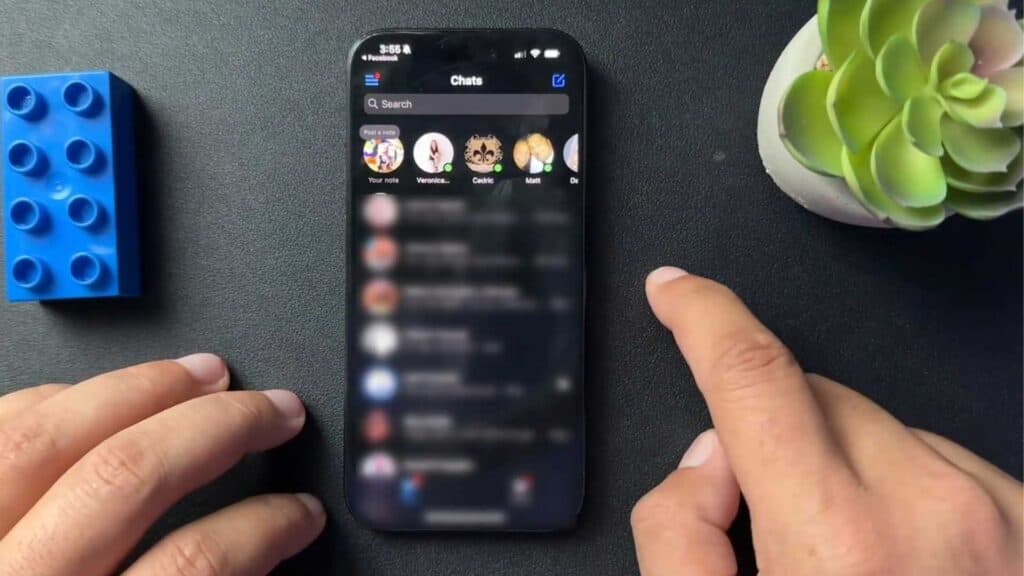
Your Facebook Messenger app shows you as active to your friends whenever you are online. You can hide your presence by adjusting your settings.
- Open the Facebook Messenger app and tap the three-line icon in the corner [0:42].
- Tap the settings cogwheel icon [0:46].
- Select “Active status” and toggle the setting to off [0:48].
Ninja Tip: Remember that turning off your own active status also prevents you from seeing when your friends are currently online.
If you still appear active to others after changing these settings, you may need to log out and log back in through Settings > Accounts Center > Password and security > Where you’re logged in.
Keep Reading



