How to Troubleshoot and Reset a Philips Universal Remote Control

By Trae Jacobs,

When you buy through our links, we may earn an affiliate commission.
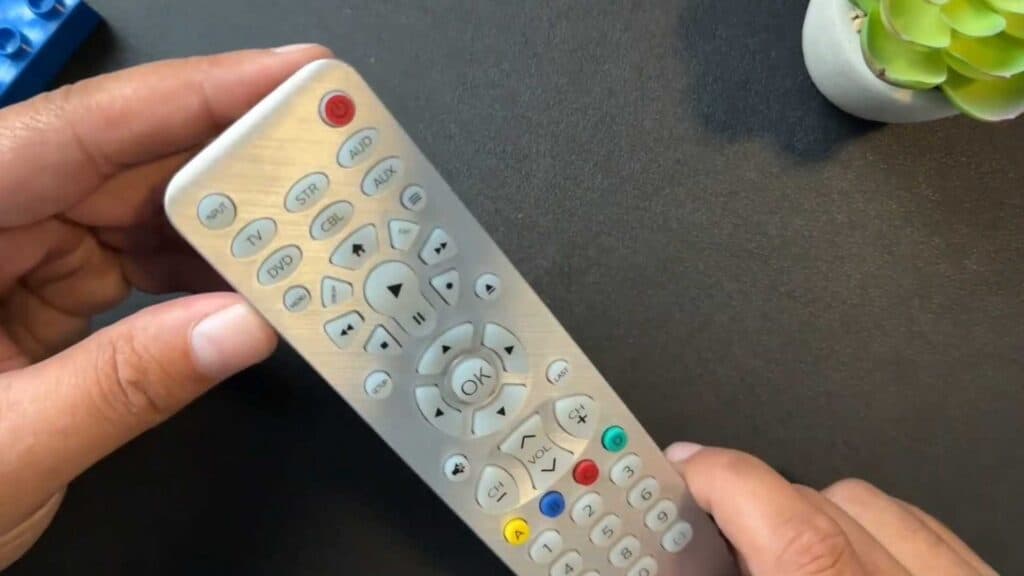
Your Philips universal remote is not controlling your TV. You can fix this device by following these steps.
- Check that your TV sensor is not blocked by any objects [0:09].
- Remove the batteries from the remote, let it sit for a few moments, and then reinsert them [0:17].
- Point your remote at a phone camera and press the power button to verify if the sensor emits a signal [0:26].
- Press and hold the setup button for five seconds, tap the mute button, and then press the zero button to perform a factory reset.
Ninja Tip: If the buttons still feel unresponsive, try cleaning the rubber contacts underneath the keypad with a cotton swab and a small amount of isopropyl alcohol to remove built-up grime.
Perform a factory reset using the setup, mute, and zero button sequence if you need to restore your remote to its original settings.
Keep Reading



