How to Test and Understand Your Dyson V10 Battery Life

By Trae Jacobs,

When you buy through our links, we may earn an affiliate commission.
Your Dyson V10 vacuum battery power drops quickly when you use the high-intensity Boost setting. You can easily test how long your specific machine lasts by following a simple timed run.
- Ensure your vacuum is fully charged until the indicator lights stop blinking [1:32].
- Remove the vacuum from its charging dock to prepare for your test [2:34].
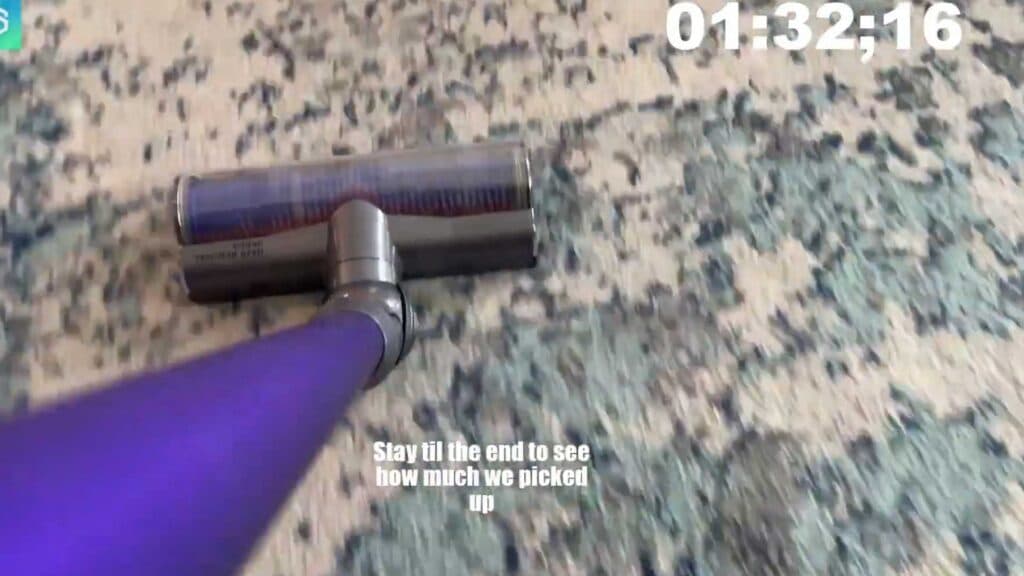
- Switch the power setting to Boost mode and start your timer immediately as you begin cleaning [2:40].
- Continue running the vacuum in this mode until the battery completely drains and the motor stops.
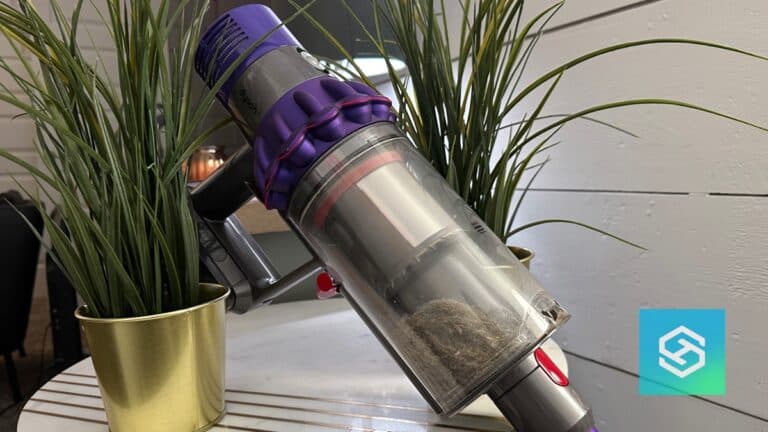
- Check the dust bin once finished to see how much debris you collected during the test [4:56].
Ninja Tip: Keep your filter clean by washing it with cold water every month to prevent the motor from working harder than necessary. A clean filter maintains better airflow and helps preserve your battery health over time.
If the vacuum fails to hold a charge even after a full cycle, contact the manufacturer or a certified service center for potential battery replacement.
Keep Reading