How to Switch Between Multiple iPhones on Apple CarPlay

By Trae Jacobs,

When you buy through our links, we may earn an affiliate commission.
Your Apple CarPlay is connected to the wrong iPhone in your car. You can easily switch to your other device by following these steps.
- Tap the name of your currently connected phone displayed in the middle of your CarPlay screen [0:16].
- Select the iPhone you want to use from the list and tap the switch phone button [0:25].
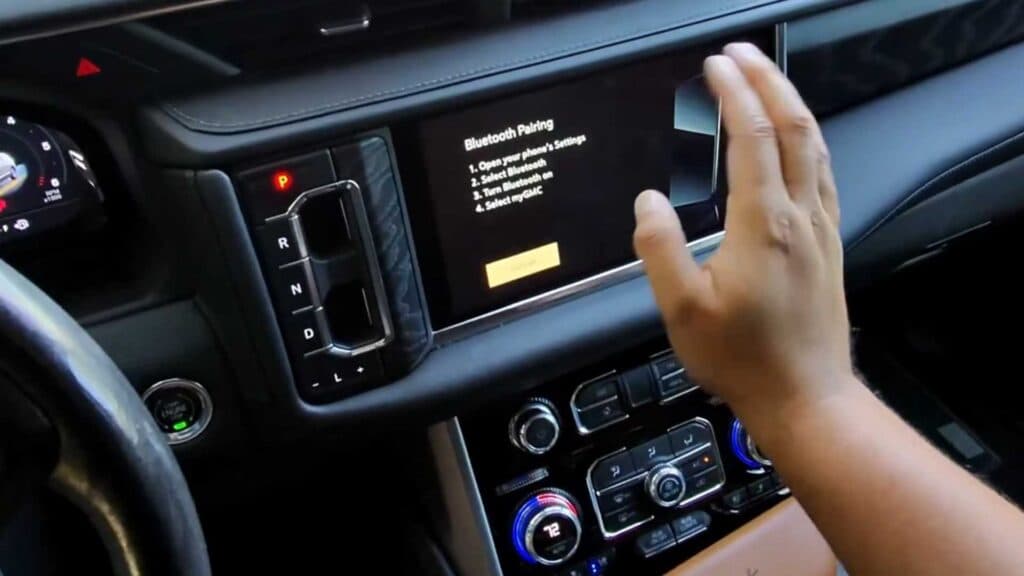
- If your device is not listed, tap the plus sign to begin the Bluetooth pairing process [0:50].
- Pull over and put your car in park before attempting to connect a new device.
Ninja Tip: You can manage your saved devices by going to Settings > General > CarPlay on your iPhone to delete any old vehicles or phones you no longer use.
If you still experience connectivity issues, you can clear all pairings by selecting Settings > General > CarPlay > Forget This Car.
Keep Reading



