How to Stop Your iPhone from Automatically Enabling Focus Modes

By Trae Jacobs,

When you buy through our links, we may earn an affiliate commission.
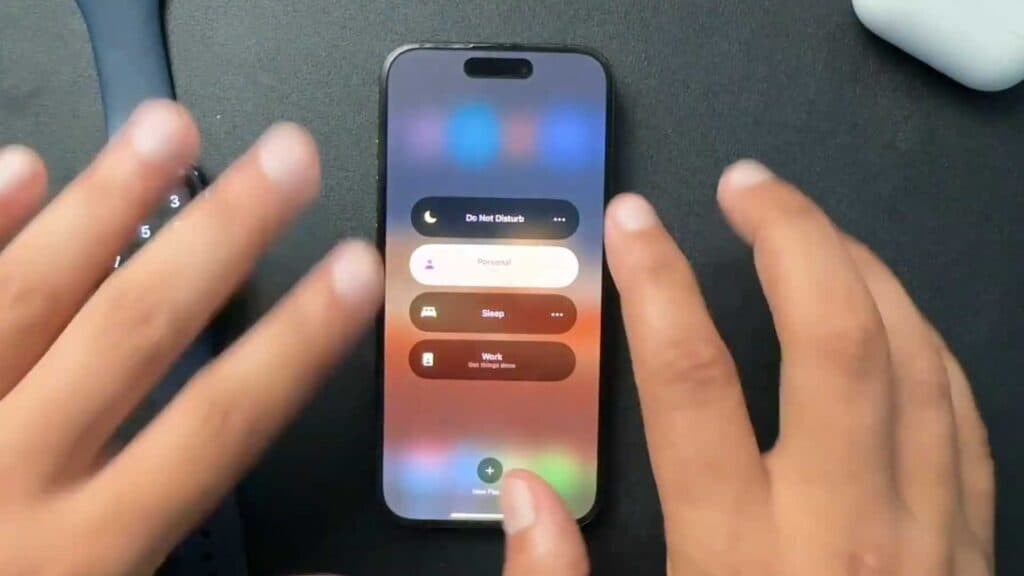
Your iPhone is enabling the Personal Focus mode on its own, causing you to miss important notifications. You can stop this behavior by adjusting your Focus settings.
- Open your iPhone Settings app and tap on the Focus menu [1:29].
- Select the specific Focus mode that keeps turning on, such as Personal [1:34].
- Scroll down to the bottom of the menu to find your automation schedules [1:39].
- Tap on the active schedule and turn it off or delete it entirely to prevent the mode from activating automatically.
- Repeat these steps for any other Focus states, like Do Not Disturb or Sleep, to ensure they are not also set to turn on by schedule.
Ninja Tip: To prevent your Focus status from syncing to your other Apple devices, go to Settings > Focus and toggle off the Share Across Devices switch.
If you continue to experience system issues, you can perform a reset by going to Settings > General > Transfer or Reset iPhone > Reset.
Keep Reading



