How to Stop Being Added to Spam Groups on WhatsApp

By Sameer,

When you buy through our links, we may earn an affiliate commission.
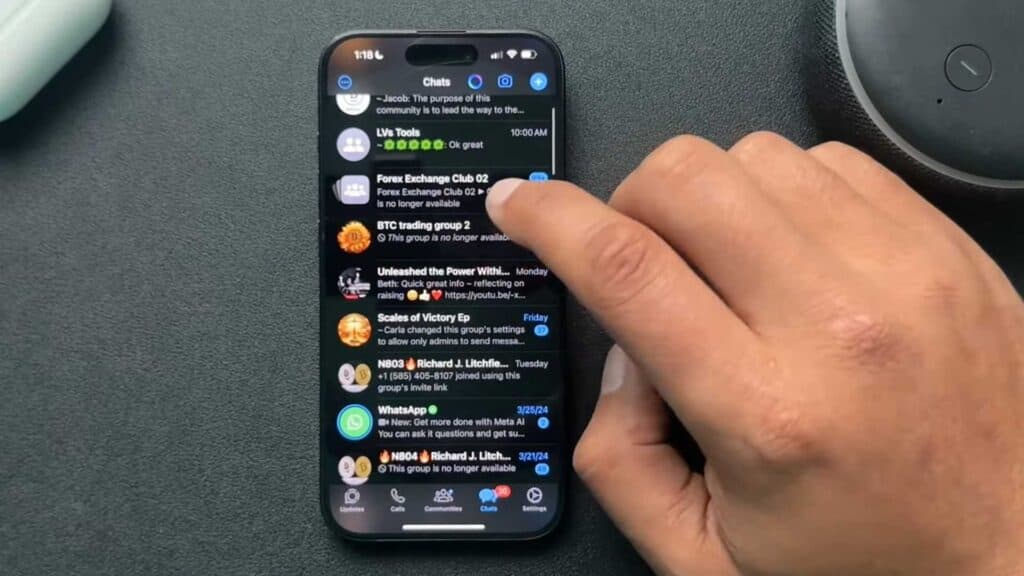
Spam groups are adding your number to unwanted cryptocurrency and Bitcoin chats without your permission. You can easily lock down your privacy settings to stop these unauthorized invites.
- Open your WhatsApp app and head directly to your Settings menu. [0:31]
- Tap on the Privacy section to manage who can interact with your profile. [0:38]
- Select the Groups option and change the permission from “Everyone” to “My Contacts.” [0:45]
- Adjust your other privacy settings like “Last Seen,” “Profile Photo,” and “About” to “My Contacts” for better overall security. [1:06]
- Turn on the Silence unknown callers feature to prevent random numbers from ringing your phone. [1:23]
Ninja Tip: You can also report and block individual spam group administrators by opening the group chat, tapping the group subject, and selecting the Report or Block options at the bottom of the group info screen.
If the problem persists, you can clear your app data by going to Settings > Apps > WhatsApp > Storage > Clear Data.
Keep Reading




