How to Soft Reset or Factory Reset Your LG TV

By Trae Jacobs,

When you buy through our links, we may earn an affiliate commission.
Your LG TV is not responding or malfunctioning as you use it. You can fix these performance issues by performing a reset.
- Press and hold the physical power button on the TV chassis for 10 seconds to force a reboot [0:53].
- Unplug the TV power cable from the wall outlet and wait 60 seconds to clear the electrical charge [1:25].
- Attempt to soft reset the TV by holding the power and volume buttons on your remote control for 10 to 15 seconds [1:51].
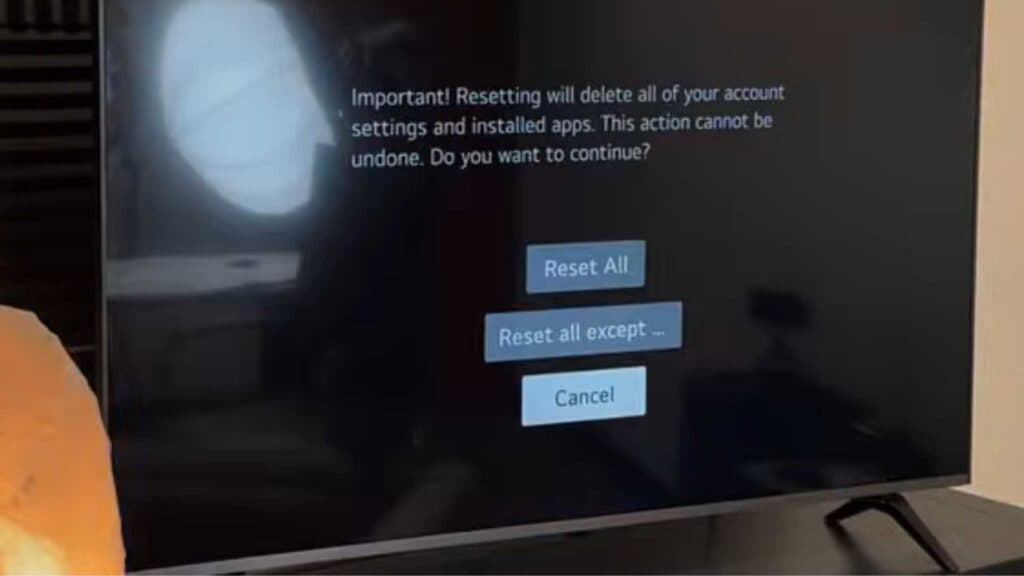
- Navigate to Settings > All Settings or Advanced Settings > General > System > Reset to Initial Settings to perform a factory reset.
Ninja Tip: Check for pending firmware updates in the Support or General menu, as an outdated operating system often causes the same glitches that prompt a reset.
If the TV remains unstable, perform a full factory reset by going to Settings > All Settings > General > System > Reset to Initial Settings.
Keep Reading



