How to Soft Reset a Samsung TV Without a Remote

By Trae Jacobs,

When you buy through our links, we may earn an affiliate commission.
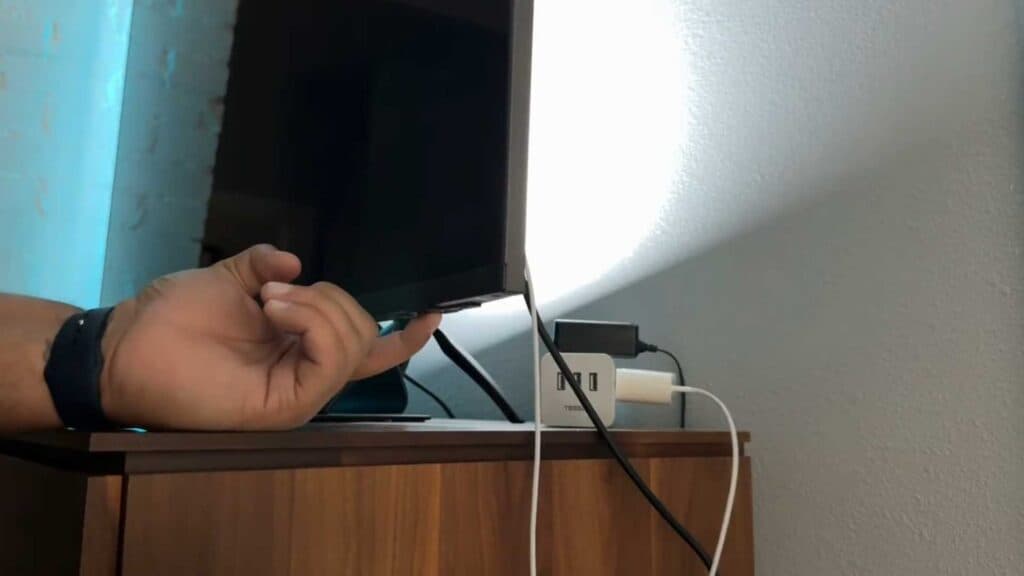
Your Samsung TV is unresponsive and you do not have the remote control to fix it. You can resolve this issue by performing a manual power reset.
- Unplug the TV power cord from the wall outlet, locate the physical power button on the TV chassis, press and hold that button, and then plug the power cord back in while continuing to hold the button [0:49].
- Download the Samsung SmartThings app from your phone’s app store, ensure your TV is connected to the same Wi-Fi network, and use the app’s virtual remote feature to navigate your TV menu.
Ninja Tip: If your TV still won’t connect to the app, try power cycling your wireless router by unplugging it for 30 seconds to clear any IP conflicts between your phone and the television.
To perform a factory reset, use the virtual remot
Keep Reading


