How to Sign Out of Your Roku Account

By Trae Jacobs,

When you buy through our links, we may earn an affiliate commission.
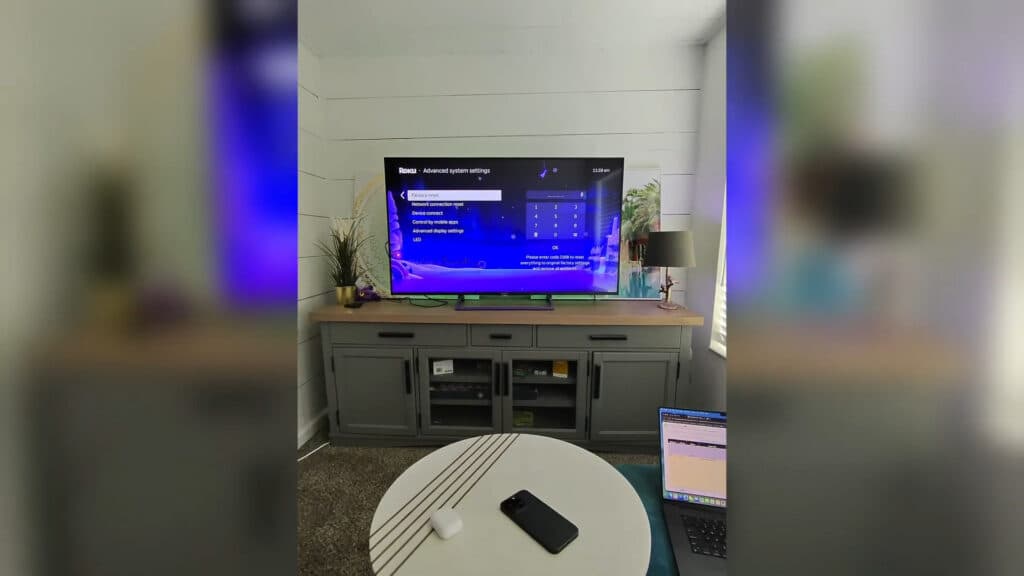
Your Roku device lacks a direct sign-out option. You can replace the current account by performing a factory reset and linking a new one.
- Navigate to Settings, select System, choose Advanced system settings, and then select Factory reset to clear your device [0:33].
- Log into your account at my.roku.com on a computer to manage your linked hardware. Go to your account settings, view your active devices, and remove the specific Roku device from your account to fully disassociate it.Ninja Tip: If you just want to manage or update your payment method rather than switching accounts, you can do this directly through the billing section of your account on the Roku website without resetting your entire device.
Perform a factory reset through Settings > System > Advanced system settings > Factory reset.
Keep Reading



