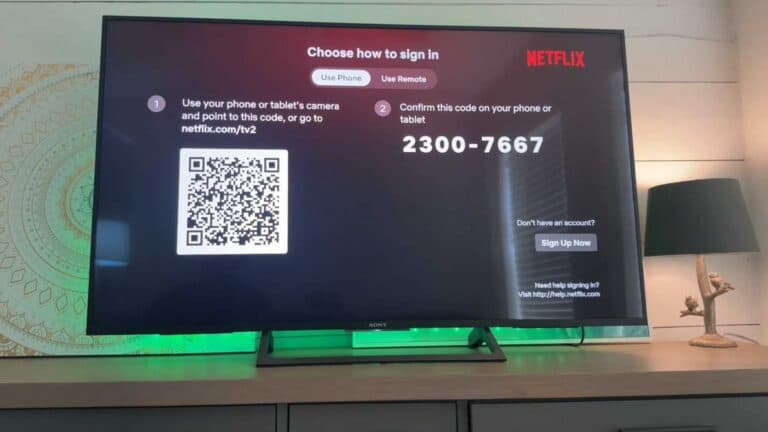
How to Sign Out of Your Netflix Account on iPhone

By Trae Jacobs,

When you buy through our links, we may earn an affiliate commission.
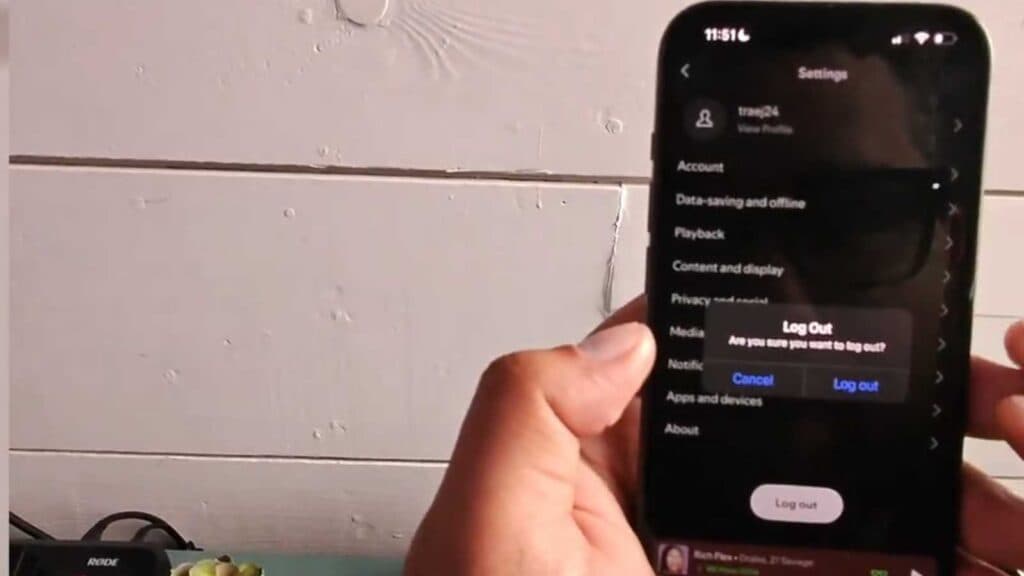
Your Netflix account is currently active on your iPhone and you need to log out. Follow these steps to sign out of your account and remove it from the device.
- Open the Netflix app on your iPhone [0:07].
- Select your profile from the main screen to enter the app [0:09].
- Tap on the “My Netflix” icon located in the bottom corner of your screen [0:15].
- Select the hamburger menu icon at the top of the page [0:20].
- Tap the “Sign Out” option to log out of the app and all other Netflix sessions on your device.
Ninja Tip: If you want to log out of Netflix on all devices at once, log into your account via a web browser, go to your Account settings, and select “Sign out of all devices.”
If you still encounter issues, you can remove the app entirely by going to Settings > General > iPhone Storage > Netflix > Delete App.
Keep Reading