How to Sign Out of Your Cash App Account on iPhone

By Trae Jacobs,

When you buy through our links, we may earn an affiliate commission.
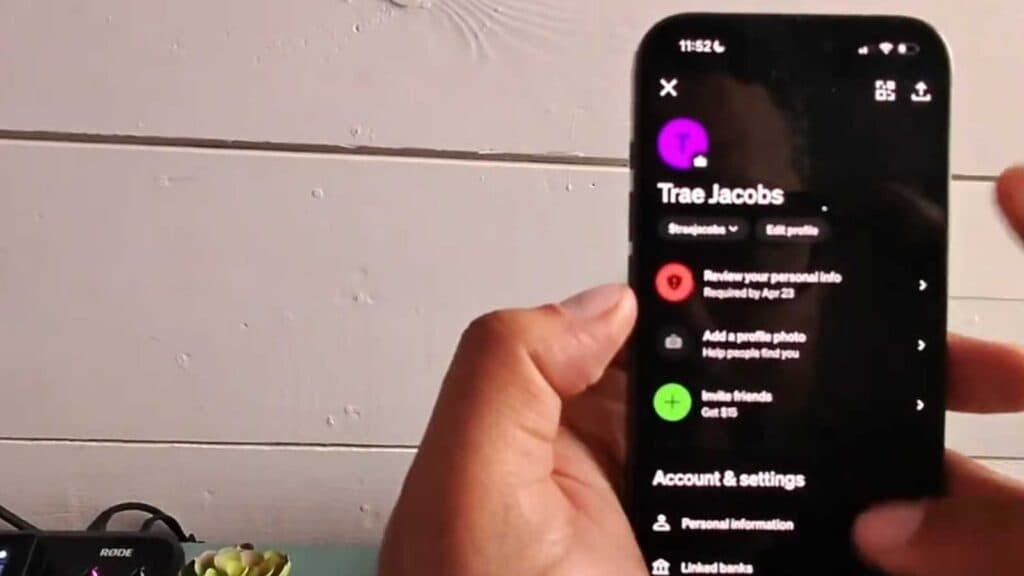
You need to log out of your Cash App account on your iPhone. You can do this quickly by following the steps below.
- Open the Cash App and tap your profile icon in the top corner of the screen [0:08].
- Scroll all the way to the bottom of the menu and select the “Sign Out” option [0:15].
- Confirm your choice by tapping “Sign Out” again when the app asks if you are sure.
Ninja Tip: Before signing out, make sure you know your login email or phone number and current password, as you will need these to get back into your account later.
If you still cannot access your account after signing out, try reinstalling the app or reach out to Cash App support through their official website.
Keep Reading



