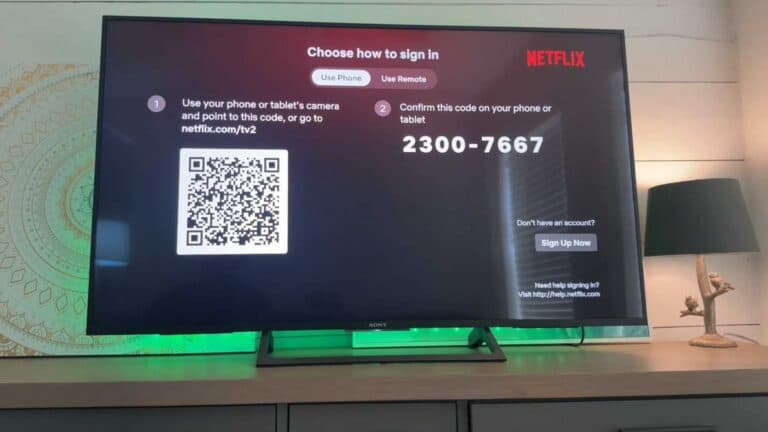
How to Sign Out of Netflix on Your Smart TV

By Trae Jacobs,

When you buy through our links, we may earn an affiliate commission.
Your Netflix account is currently active on your smart TV and you need to remove it. You can follow these simple steps to log out of the application immediately.
- Open the Netflix app on your device and select an adult profile to gain full menu access [0:34].
- Navigate to the side menu and scroll down to select the Get Help section [0:50].
- Scroll down to the very bottom of the list and choose the Sign Out option [1:13].
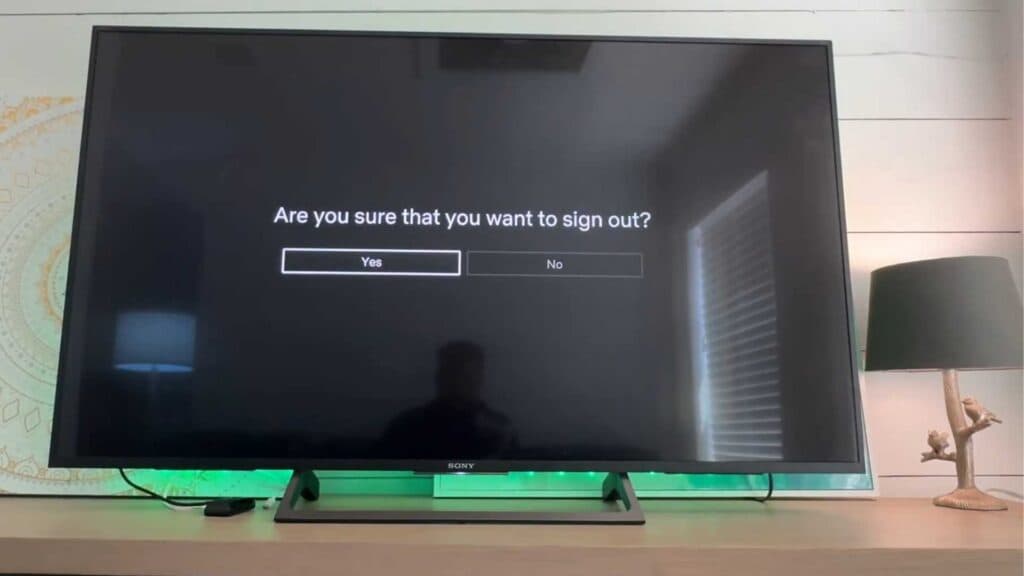
- Select Yes on the confirmation screen to finalize the process.
Ninja Tip: If you cannot access your TV, you can remotely sign out of all devices by visiting your Netflix account page on a web browser and selecting Manage access and devices under the Security tab.
For a complete wipe of your device, navigate to Settings > System > Advanced system settings > Factory reset.
Keep Reading