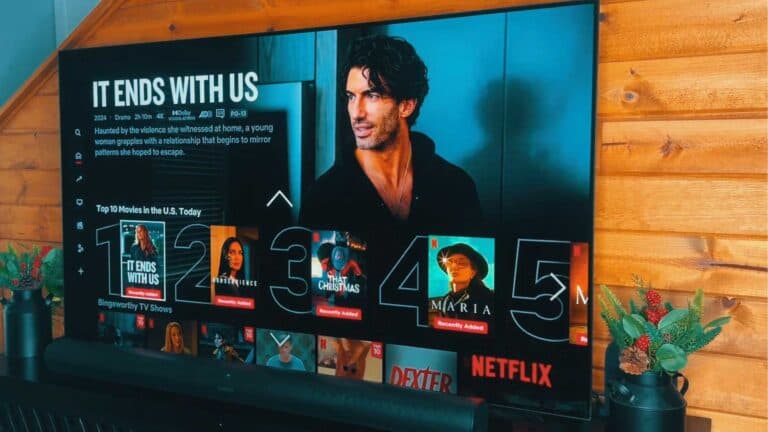
How to Sign In to Netflix on Your Smart TV

By Trae Jacobs,

When you buy through our links, we may earn an affiliate commission.
Your Netflix account is not currently active on your Smart TV. You can connect your account quickly using a QR code or by manually entering your credentials.
- Open the Netflix app on your television [0:21].
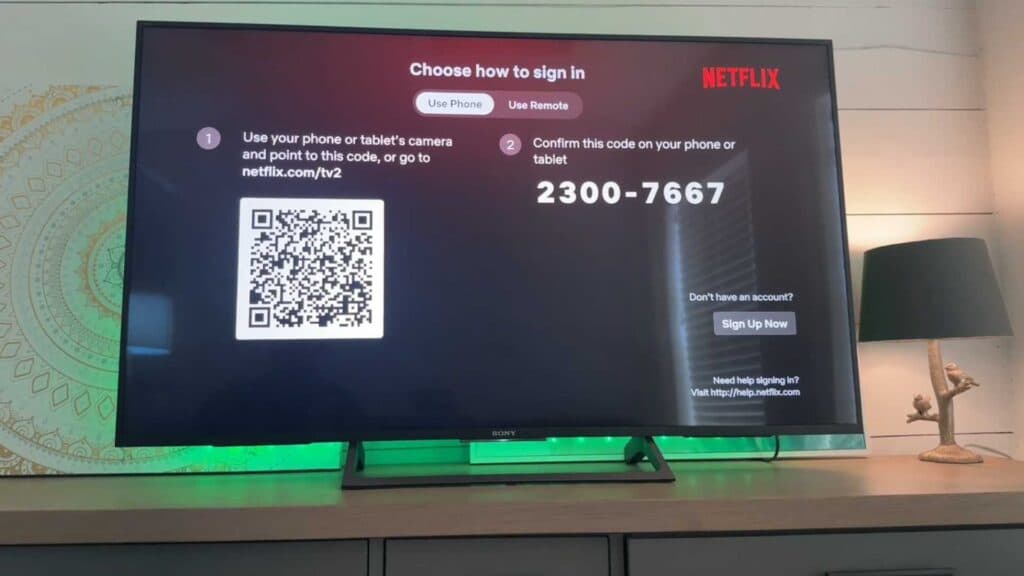
- Select the Sign In option from the main screen [0:43].
- Choose the QR code option to scan the code with your phone [1:46].
- Follow the on-screen prompts to confirm the code and complete the setup process.
Ninja Tip: If the QR code fails, ensure your phone and TV are connected to the same Wi-Fi network to allow the app to sync the credentials correctly.
If these steps do not work, perform a factory reset by navigating to Settings > System > About > Reset.
Keep Reading