How to Share Wi-Fi Passwords Between Two iPhones

By Trae Jacobs,

When you buy through our links, we may earn an affiliate commission.
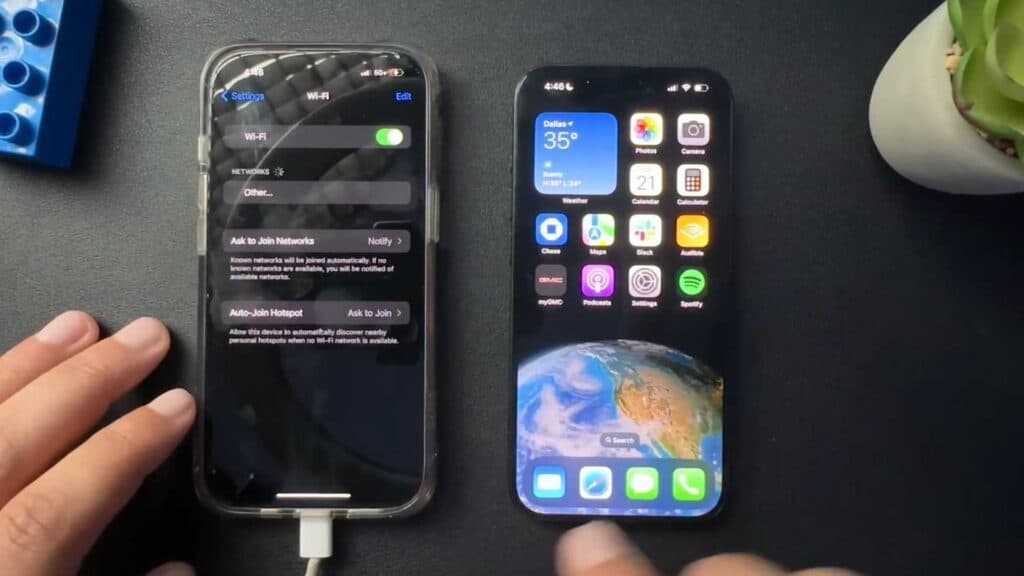
Your iPhone is not connecting to a Wi-Fi network because you do not know the password. You can share your Wi-Fi credentials from another iPhone that is already connected to that same network.
- Ensure that both iPhones have each other saved as contacts in their respective contact lists [0:26].
- Make sure the phone currently connected to the network has Wi-Fi enabled.
- On the iPhone that needs to join the network, go to Settings and tap on the Wi-Fi menu [0:43].
- Select the correct network from the list, and wait for the prompt to appear on the already-connected iPhone [0:50].
- Tap “Share Password” on the connected phone to complete the connection.
Ninja Tip: If the prompt does not appear, try turning off Bluetooth and Wi-Fi on both devices and toggling them back on, or ensure both devices are running the latest version of iOS.
If these steps do not work, reset your network settings by going to Settings > General > Transfer or Reset iPhone > Reset > Reset Network Settings.
Keep Reading



