How to Setup and Customize Your Hello Baby Monitor

By Trae Jacobs,

When you buy through our links, we may earn an affiliate commission.
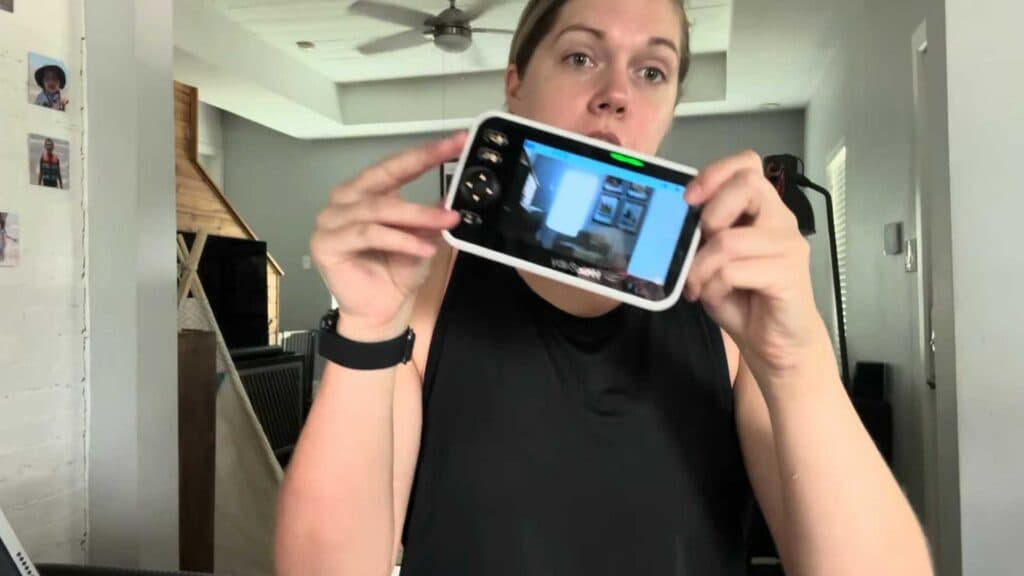
Your Hello Baby monitor screen stays on constantly and drains the battery quickly. You can adjust the settings to resolve this and improve your overall experience.
- Press the menu button to access options like volume, brightness, and language settings [0:19].
- Select the add camera option if you need to monitor additional rooms like a bedroom or play area [0:24].
- Use the microphone button to speak through the unit so your baby can hear you [0:42].
- Hold the zoom button to get a closer view of your baby [0:59].
- Perform a quick press on the side power button to turn off the display while keeping the audio active [1:09].
- Mount the camera on the wall for a full 360-degree view of the room [1:52].
Ninja Tip: Keep a portable power bank handy during travel to ensure the monitor stays charged since you cannot rely on constant wall power outlets.
If the device fails to function, perform a full system reset via Menu > Settings > Reset.
Keep Reading



