How to Set Up a PIN to Exit Kids Profiles on Max

By Trae Jacobs,

When you buy through our links, we may earn an affiliate commission.
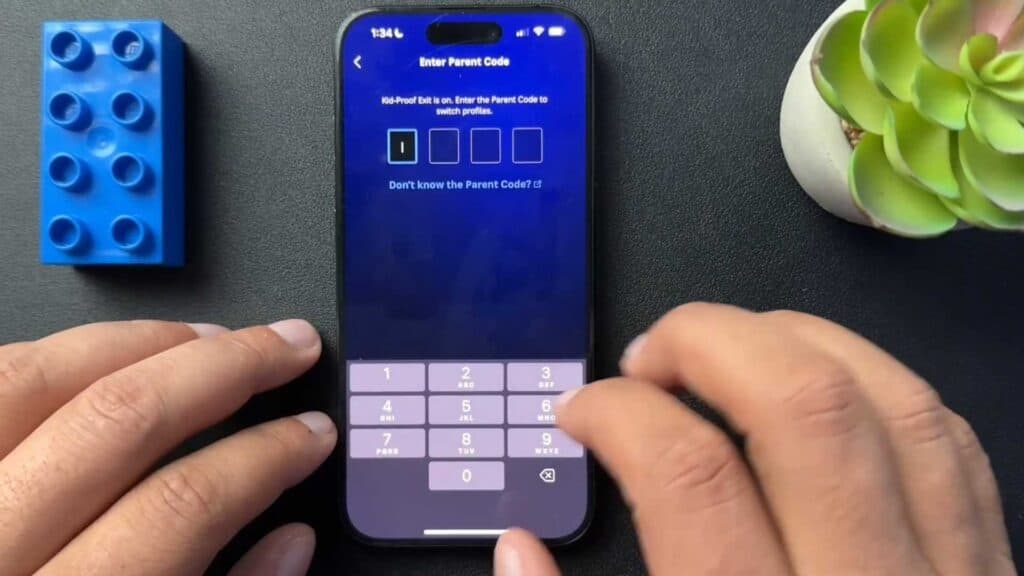
Your child is switching from their kids’ profile to your adult account on Max. You can require a passcode to exit the kids’ profile to keep them in their designated area.
- Exit the kids’ profile and select the edit button to open your profile management settings [0:53].
- Open the Max website on a computer or mobile browser, select the child’s profile, and click Manage Settings to enable Kid-Proof Exit [1:06].
- Switch to your adult profile, go to App Settings, and select Manage Parental Codes to set or update your PIN [1:27].
- Re-enter the kids’ profile and attempt to exit to verify that the app now prompts you for the passcode.
Ninja Tip: Check your device’s own parental control settings in the App Store or Google Play Store to restrict the ability to download or install new streaming apps entirely. This prevents children from bypassing account-level restrictions by simply switching to a different streaming service.
If the settings are not applying correctly, go to Settings > Sign Out, then sign back in to refresh your profile data.
Keep Reading


