How to Set App Time Limits on iPhone

By Trae Jacobs,

When you buy through our links, we may earn an affiliate commission.
Your iPhone restricts you from using specific apps because you have hit a pre-set daily usage limit. You can easily adjust or remove these time restrictions in your device settings.
- Open the Settings app on your iPhone and scroll down to select Screen Time [0:19].
- Tap on App Limits to view your current restrictions [0:26].
- Select Add Limit to create a new restriction for a specific app category or individual app [0:39].
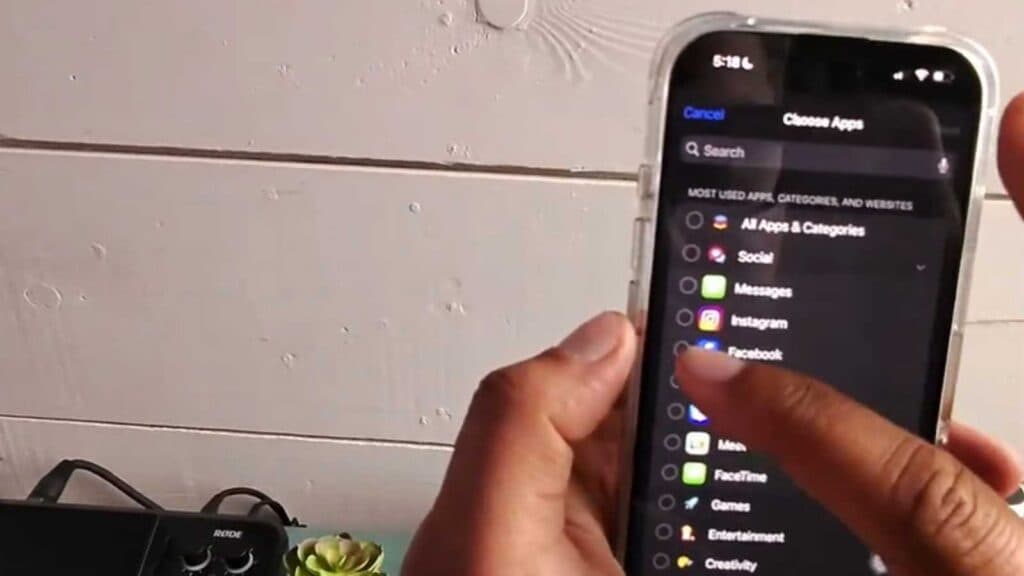
- Choose the apps you want to limit and tap Next to continue [0:52].
- Set the amount of time you want to allow for that app each day and tap Add [1:13].
Ninja Tip: You can set a “Screen Time Passcode” in the Screen Time menu so that others cannot change your limits or add more time without your permission.
If you need to clear all restrictions, go to Settings > Screen Time > Turn Off Screen Time.
Keep Reading


