How to Restart or Factory Reset Your Roku Device

By Trae Jacobs,

When you buy through our links, we may earn an affiliate commission.
Your Roku device is currently unresponsive or malfunctioning. You can fix these performance issues by following the troubleshooting steps below.
- From the home menu, scroll down to the settings section and press the right arrow to open the menu. [0:20]
- Navigate to the system menu, select power, and then choose system restart to cycle the power on your device. [0:33]
Ninja Tip: If your remote isn’t working to navigate these menus, try removing the batteries for thirty seconds or using the Roku mobile app on your smartphone as a temporary remote control.
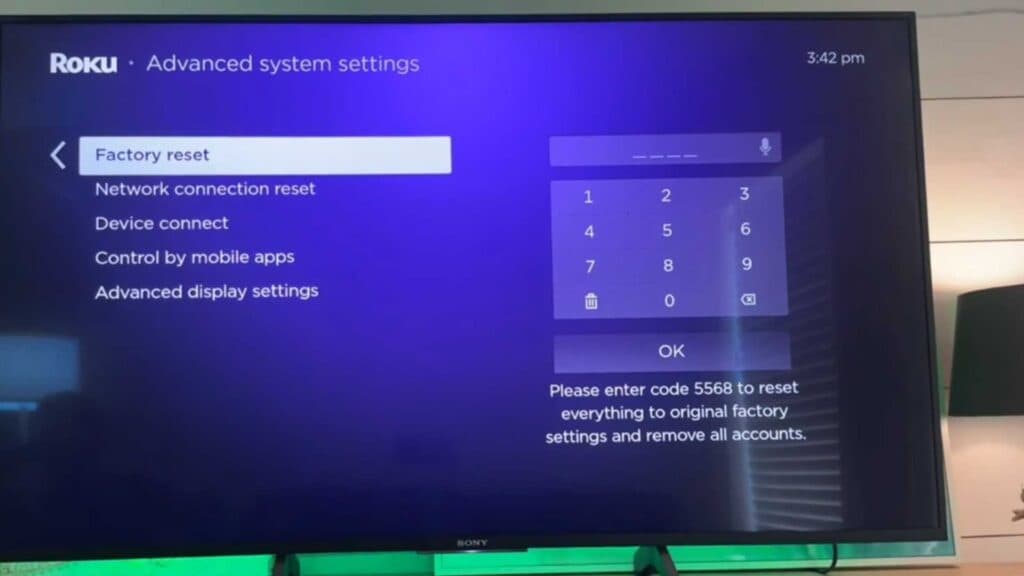
To perform a complete factory reset if the restart fails to resolve your issues, navigate to Settings > System > Advanced system settings > Factory reset.
Keep Reading



